Data breaches are no longer rare, headline-grabbing surprises—they are persistent, evolving threats that target organizations of every size. Password-only security has proven insufficient in a world of phishing kits, credential stuffing attacks, and social engineering. That’s where multi-factor authentication (MFA) steps in. By requiring users to verify their identity through multiple forms of evidence, MFA dramatically reduces the risk of unauthorized access and strengthens overall cybersecurity posture.
TLDR: Multi-factor authentication adds critical layers of security beyond passwords, reducing breach risks caused by stolen credentials. Solutions like hardware security keys, authenticator apps with push verification, and biometric authentication provide varying levels of convenience and protection. The right MFA strategy depends on your organization’s size, risk profile, and user experience needs. Implementing modern MFA tools can significantly minimize account takeovers and data breaches.
In this article, we’ll explore three powerful MFA solutions that strengthen security and help organizations reduce costly breaches. We’ll also examine how they work, their advantages, and how they compare.
1. Hardware Security Keys (FIDO2 and U2F Devices)
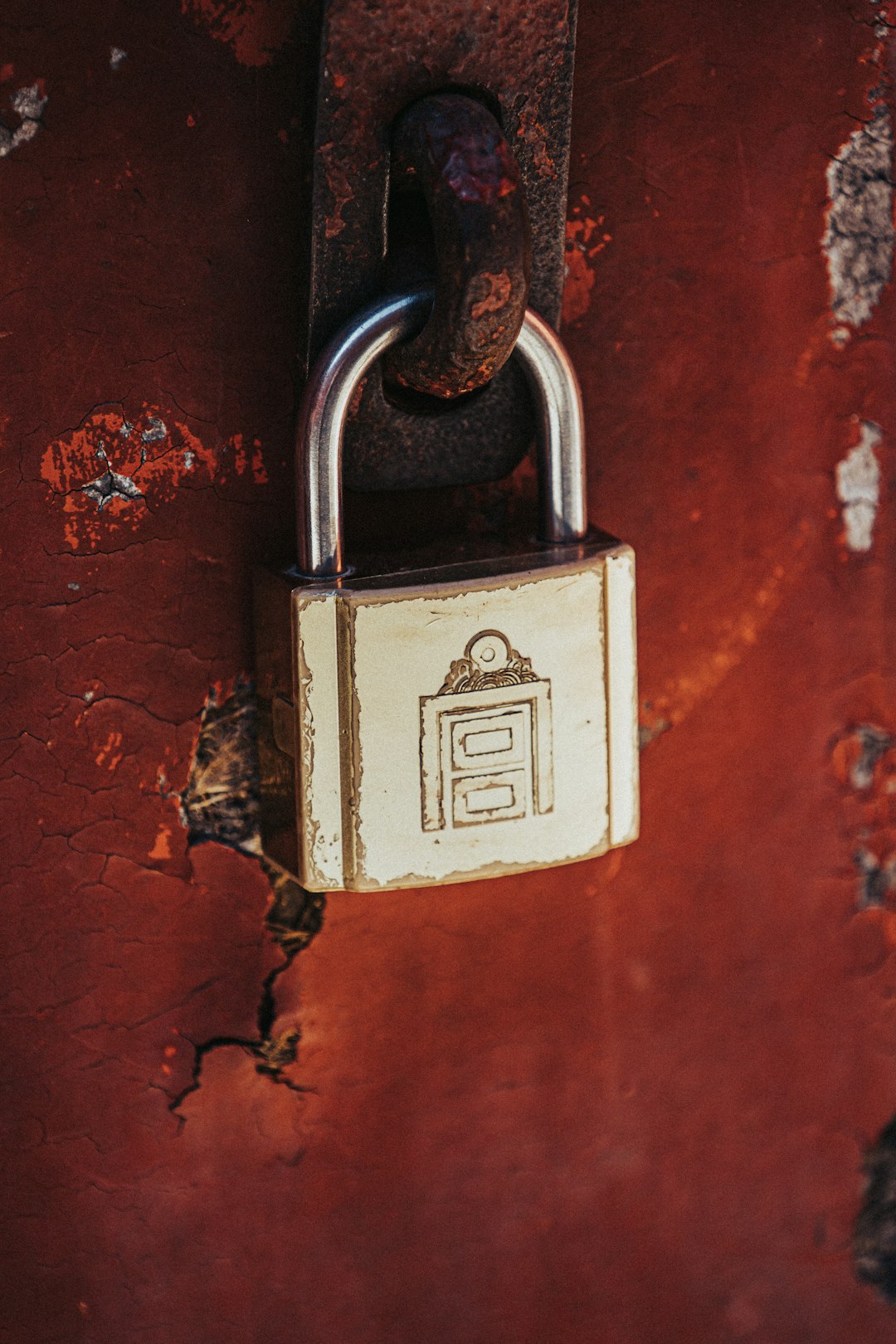
Hardware security keys are widely regarded as one of the most secure MFA methods available today. These small physical devices—often USB, NFC, or Bluetooth-enabled—must be physically present to complete login authentication.
How They Work
Hardware keys rely on public key cryptography. When a user registers their key with a service, a unique cryptographic key pair is generated. The private key never leaves the device. During login:
- The server sends a cryptographic challenge.
- The hardware key signs the challenge.
- The server verifies the signature.
This process ensures that authentication cannot be replicated remotely—even if attackers steal passwords.
Why They’re So Secure
- Phishing-resistant: They only authenticate with legitimate registered domains.
- No shared secrets: Credentials aren’t stored on servers in reusable form.
- Immune to SIM swapping: Unlike SMS codes.
Best For
Enterprises, government agencies, financial institutions, and high-risk users who need maximum protection.
Potential Drawbacks
- Upfront cost per employee
- Risk of lost keys (though backup keys mitigate this)
- User inconvenience if device is forgotten
Despite these considerations, companies like Google report that deploying hardware-based MFA virtually eliminated successful phishing attacks against employees.
2. Authenticator Apps with Push Notifications
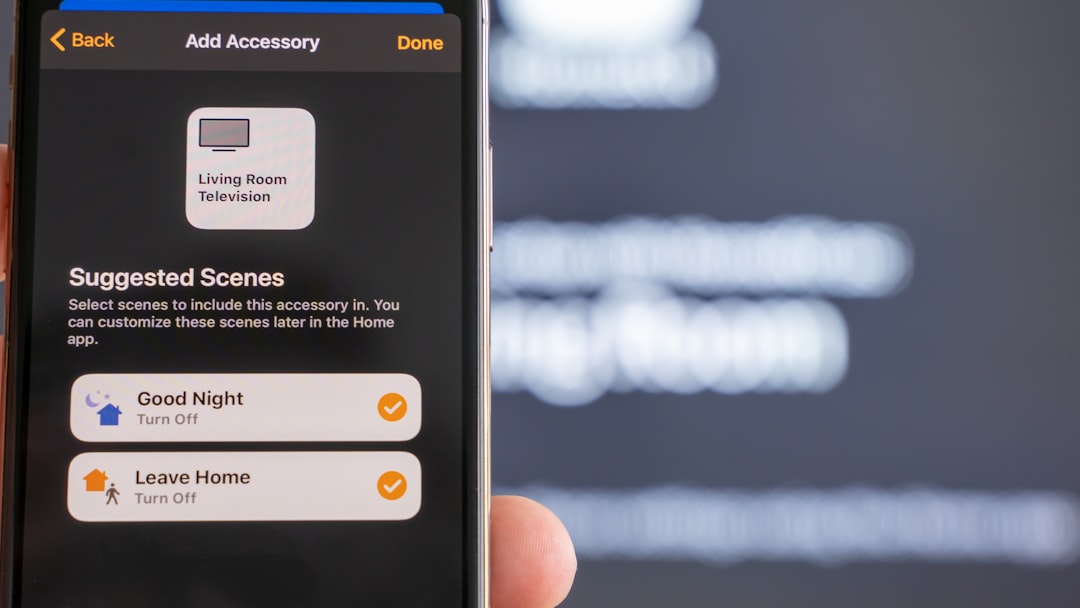
Authenticator apps have quickly become a mainstream MFA solution due to their balance between security and user convenience. Popular options include Microsoft Authenticator, Google Authenticator, Duo, and Authy.
How They Work
Authenticator apps generate either:
- Time-based one-time passwords (TOTP), or
- Push notifications requiring approval on a trusted device
When logging in, users enter their password and confirm their identity through the app. The codes refresh every 30–60 seconds, making them useless after expiration.
Security Advantages
- No reliance on SMS (which is vulnerable to SIM swapping)
- Encrypted communication between app and service
- Device binding for stronger verification
- Number matching features reduce push fatigue attacks
Push fatigue—where attackers repeatedly send authentication requests hoping users accept by mistake—is increasingly common. Modern authenticator apps combat this with number matching, location context, or biometric confirmation.
Best For
- Small to mid-sized businesses
- Remote workforces
- Organizations seeking scalable, cost-effective protection
Potential Drawbacks
- Users can accidentally approve malicious requests
- Requires smartphone access
- Device loss may require account recovery process
When configured correctly, authenticator apps significantly reduce account compromise risks, especially compared to SMS-based verification.
3. Biometric Authentication
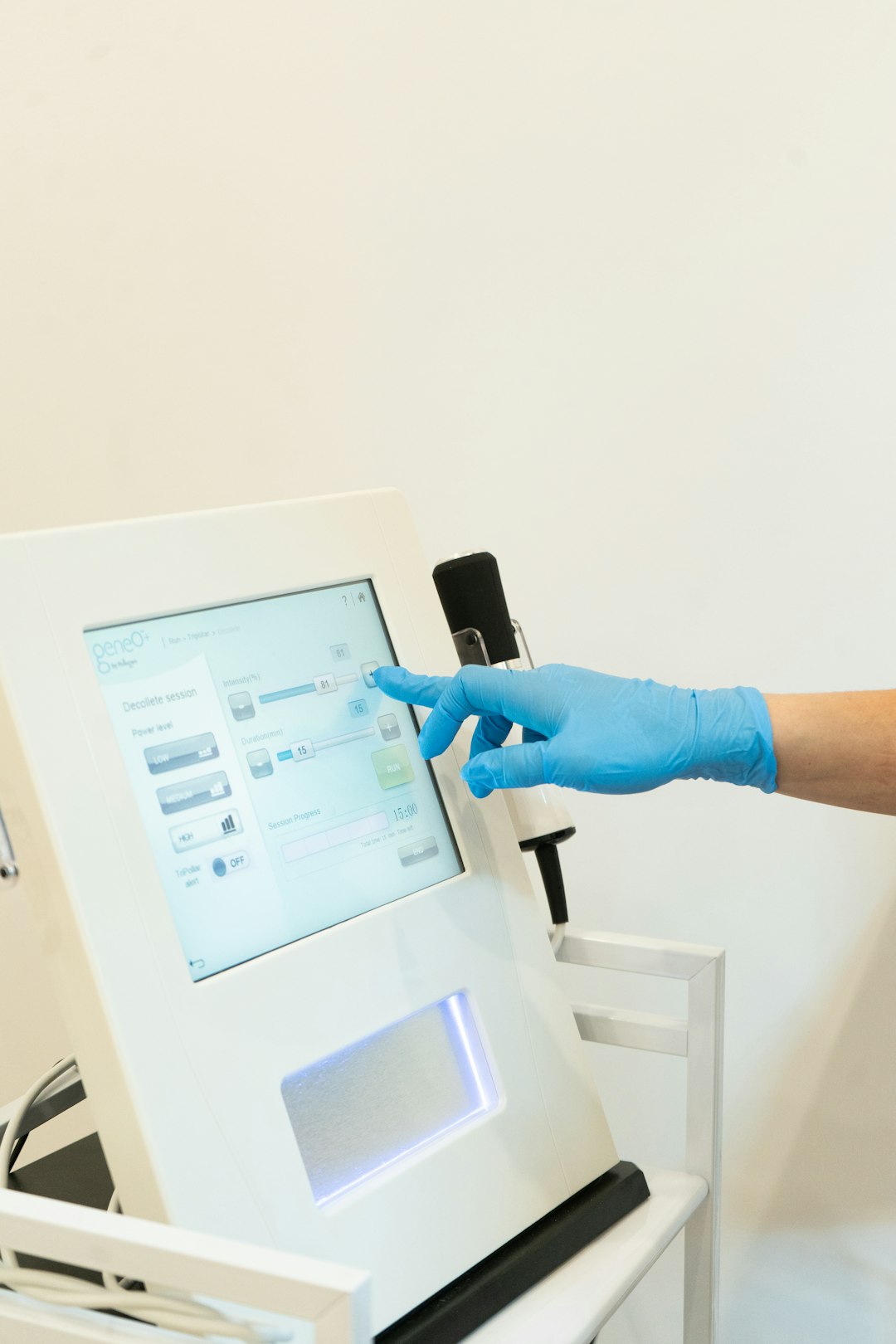
Biometric authentication adds another powerful layer of identity verification by tying access to something you are. This includes fingerprints, facial recognition, iris scans, and voice recognition.
How It Works
Biometric systems convert physical traits into encrypted digital templates. During authentication:
- The system captures a new biometric scan.
- It compares it to the stored encrypted template.
- If matching thresholds are met, access is granted.
Importantly, modern systems do not store actual fingerprint or facial images—only cryptographic representations.
Security Advantages
- Difficult to duplicate physically
- Convenient and fast
- Improves user compliance
- Works seamlessly with passwordless strategies
Best For
- Mobile-first environments
- High-traffic authentication use cases
- Passwordless enterprise initiatives
Potential Drawbacks
- Privacy concerns and regulatory considerations
- Biometric data must be securely stored
- Biometrics can’t be “changed” if compromised
When combined with device-based authentication and behavioral analytics, biometrics significantly strengthen identity verification systems.
Comparison Chart: 3 Multi-Factor Authentication Solutions
| Feature | Hardware Security Keys | Authenticator Apps | Biometric Authentication |
|---|---|---|---|
| Security Level | Very High (phishing-resistant) | High (with proper configuration) | High (device dependent) |
| User Convenience | Moderate | High | Very High |
| Cost | Hardware purchase required | Low to Moderate | Often built into modern devices |
| Phishing Resistance | Excellent | Good (with number matching) | Varies by implementation |
| Best For | High-risk enterprises | Scalable business protection | Passwordless strategies |
Why MFA Dramatically Reduces Breaches
According to multiple cybersecurity studies, the majority of breaches involve stolen or compromised credentials. Password reuse, weak combinations, and phishing attacks create easy entry points.
MFA stops attackers even if they obtain passwords because:
- They lack possession of the second factor.
- Biometric factors cannot easily be replicated.
- Hardware-based systems reject spoofed domains.
- Adaptive MFA can detect unusual login behavior.
This layered authentication approach shifts security from a single vulnerable checkpoint to a fortified verification process.
Building an Effective MFA Strategy
Choosing the right solution isn’t about selecting just one tool—it’s about creating a layered strategy aligned with risk levels.
Best Practices Include:
- Avoid SMS-based MFA whenever possible.
- Enable phishing-resistant methods for privileged accounts.
- Use adaptive authentication based on risk signals.
- Provide security training to prevent push fatigue exploitation.
- Deploy backup authentication methods to prevent lockouts.
Organizations often adopt a tiered approach:
- Executives and admins → Hardware keys
- General workforce → Authenticator apps
- Mobile users → Biometric + device authentication
This layered framework ensures that higher-risk accounts receive stronger protection while maintaining usability across the organization.
The Future: Passwordless Authentication
MFA is evolving toward a passwordless future. Emerging standards like FIDO2 and passkeys eliminate traditional passwords altogether, relying on cryptographic authentication tied to trusted devices.
In passwordless environments:
- Users authenticate via biometrics or device-based credentials.
- No password is transmitted or stored.
- Phishing attacks become far less effective.
This shift dramatically reduces attack surfaces while improving user experience—a rare win-win in cybersecurity.
Final Thoughts
Cyber threats aren’t slowing down—and neither should your defense strategy. Multi-factor authentication remains one of the most effective, affordable, and immediately impactful security improvements organizations can implement.
Whether through hardware security keys, authenticator apps, or biometric verification, MFA creates a crucial barrier between attackers and sensitive data. Each method offers different strengths, but all significantly reduce breach risk when properly deployed.
In a digital landscape where stolen credentials are traded daily, relying on passwords alone is no longer acceptable. Strengthening identity verification through modern MFA solutions isn’t just an upgrade—it’s an essential safeguard for any organization serious about security.
