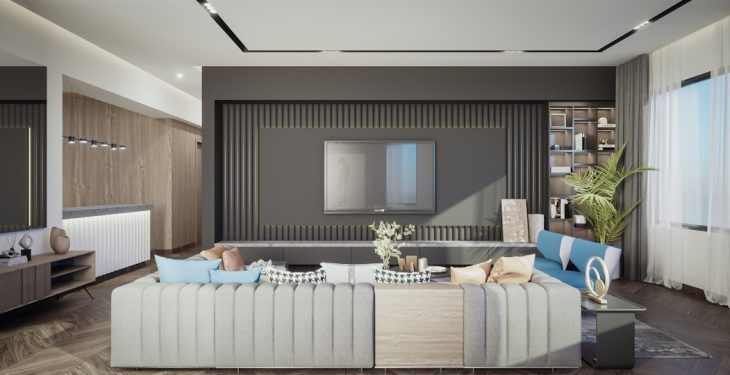
Great interior design rarely happens by accident. Behind every beautifully balanced living room, perfectly zoned office, or magazine-worthy kitchen is a thoughtful process powered by smart tools. Today’s designers rely heavily on digital apps to experiment, refine, and communicate their ideas with clarity and precision. Whether they’re working on a high-end residential project or refreshing a small apartment layout, the right app can make all the difference.
TLDR: Professional interior designers use a mix of 2D drafting, 3D modeling, collaboration, and visualization apps to bring their ideas to life. Tools like SketchUp, AutoCAD, and Planner 5D help with layouts and space planning, while platforms such as Morpholio Board and Houzz Pro assist with mood boards and client collaboration. The best app depends on the designer’s workflow, project scope, and technical needs. Choosing the right combination can dramatically streamline the design process and improve results.
Below are seven interior design apps professionals use to create stunning layouts, along with insights into how and why they use them.
1. SketchUp
Best for: 3D modeling and quick spatial visualization
SketchUp has long been a favorite among interior designers for its intuitive interface and powerful 3D modeling capabilities. It allows users to quickly create, modify, and experiment with room dimensions, furniture placement, and architectural features.
Designers love SketchUp because:
- It offers a fast learning curve compared to other 3D programs.
- You can access an extensive 3D Warehouse library filled with furniture and decor models.
- It’s excellent for client presentations with realistic perspective views.
This app is particularly useful during the early conceptual stages when designers want to explore different layout options without building highly detailed technical drawings.
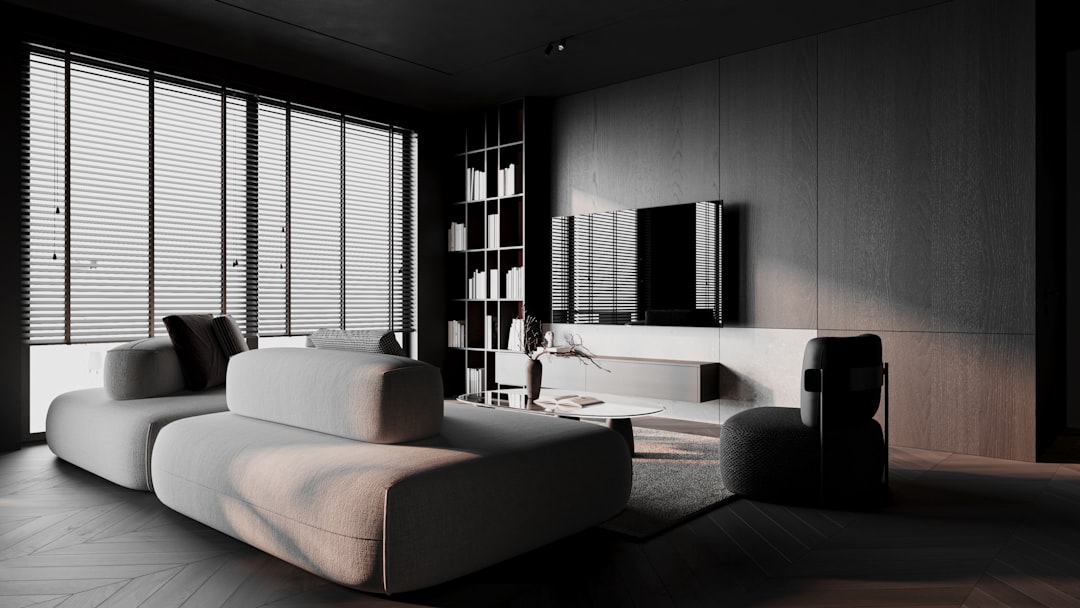
Its flexibility makes it ideal for everything from small studio apartments to large office spaces. While it may not replace advanced architectural drafting software, it’s incredibly powerful for spatial ideation.
2. AutoCAD
Best for: Precise 2D drafting and technical documentation
When it comes to accuracy, few tools rival AutoCAD. This industry-standard software is used to create detailed floor plans, elevations, and construction drawings with exact measurements.
Interior designers rely on AutoCAD for:
- Technical layouts with accurate dimensions.
- Electrical and plumbing plans.
- Millwork and cabinetry details.
- Compliance documentation for contractors.
While it’s not as visually dynamic as some 3D tools, AutoCAD excels in precision. Designers often pair it with rendering software for the best of both technical and visual worlds.
3. Planner 5D
Best for: User-friendly 2D and 3D space planning
Planner 5D bridges the gap between professional tools and client accessibility. It allows designers to create both 2D floor plans and 3D visualizations without requiring intensive technical knowledge.
It stands out because:
- It’s intuitive and accessible across devices.
- Clients can interact with and visualize layouts easily.
- It includes a wide catalog of furnishings and finishes.
This app is especially useful for freelancers and small studios that need to develop polished visual concepts quickly.
4. Morpholio Board
Best for: Mood boards and concept development
Before a designer finalizes a layout, they typically define the aesthetic direction of the space. That’s where Morpholio Board shines. It allows designers to create digital mood boards that showcase materials, furniture, color palettes, and textures.
With this app, designers can:
- Organize inspiration images.
- Test color combinations and textures.
- Create professional presentation boards.
- Collaborate directly with clients.
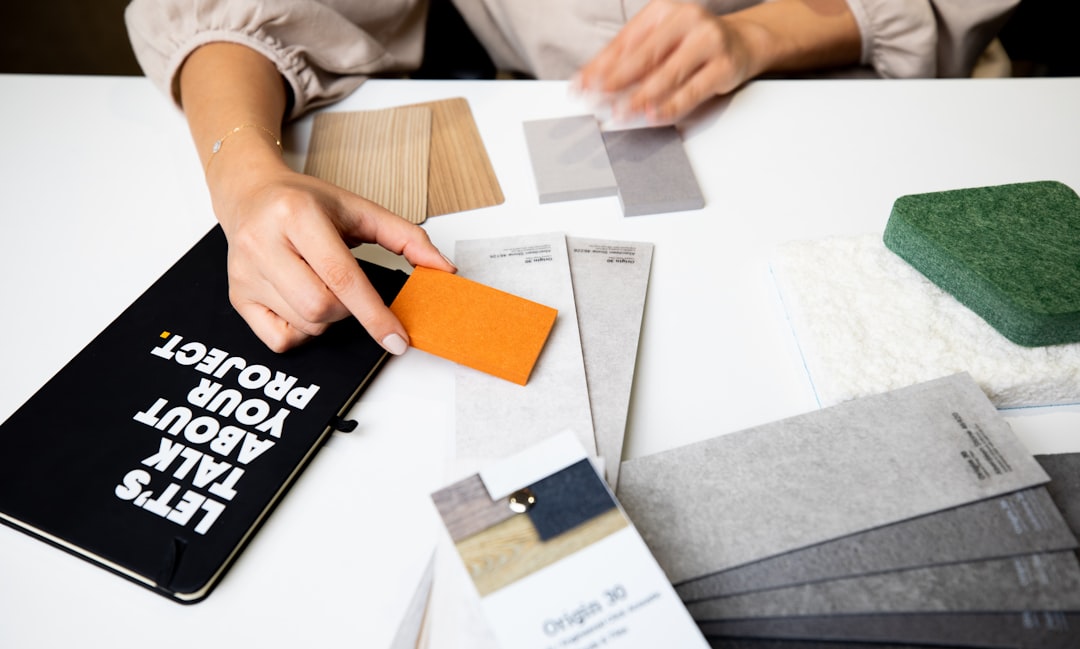
By aligning visual inspiration with spatial planning, designers ensure their layouts are not only functional but also aesthetically cohesive.
5. Houzz Pro
Best for: Client collaboration and project management
Interior design is as much about communication as it is about creativity. Houzz Pro combines project management tools with design workflow features, helping professionals streamline client interactions.
Key benefits include:
- Proposal and estimate creation.
- Client messaging and approvals.
- Mood board and file sharing.
- Lead management and sourcing.
Designers can present layouts, receive feedback, and track revisions all within a single ecosystem. This reduces email clutter and keeps projects organized.
6. Roomstyler 3D Home Planner
Best for: Quick visual mockups
Roomstyler is known for ease and speed. It’s particularly helpful when designers want to generate realistic room layouts without diving into more complex modeling systems.
Why professionals use it:
- Drag-and-drop functionality.
- Pre-built room templates.
- Instant 3D visualization.
- Real brand-name furniture models.
Though it may not be as powerful as advanced architectural tools, it’s excellent for presenting fast concepts to clients who want to see immediate possibilities.
7. Cedreo
Best for: Professional 3D home design and rendering
Cedreo specializes in producing full 3D home designs and high-quality renderings efficiently. While often used by home builders and remodelers, interior designers also benefit from its powerful layout tools.
Its standout features include:
- Automatic roof and structural generation.
- High-resolution interior and exterior renderings.
- Fast floor plan creation.
- Cloud-based accessibility.
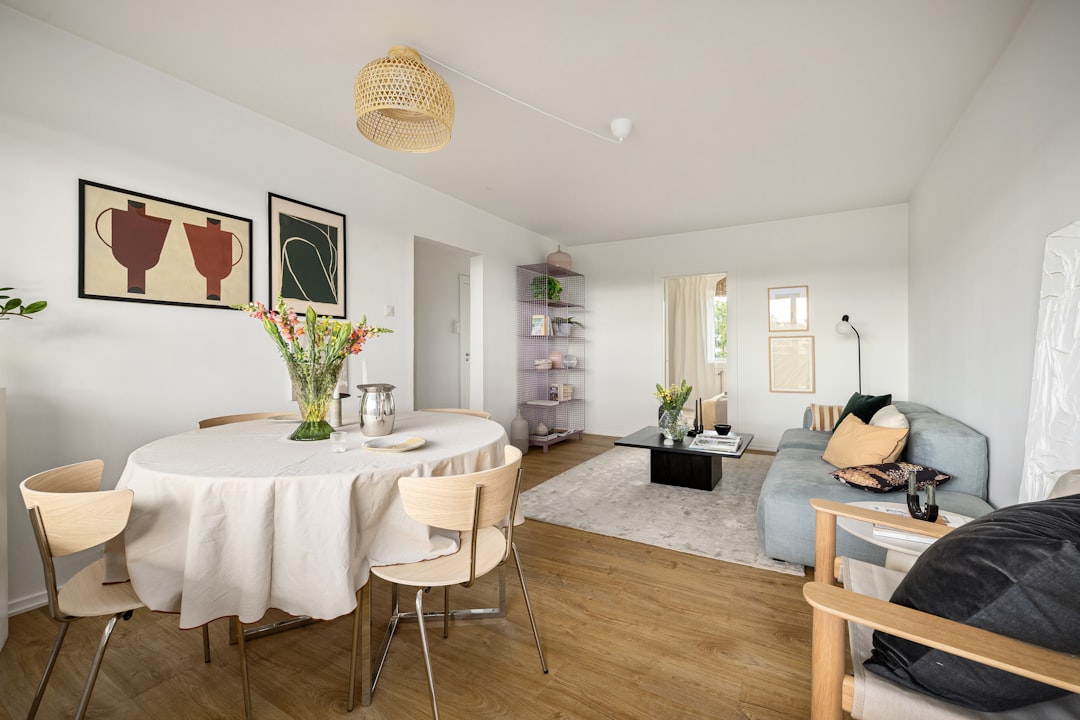
For designers working on large-scale renovations or new builds, Cedreo offers a streamlined process from floor plan to final render.
Comparison Chart: Top Interior Design Apps
| App | Best For | Skill Level | 2D Planning | 3D Visualization | Collaboration Features |
|---|---|---|---|---|---|
| SketchUp | 3D modeling | Intermediate | Yes | Excellent | Limited |
| AutoCAD | Technical drafting | Advanced | Excellent | Basic | Moderate |
| Planner 5D | User-friendly layouts | Beginner–Intermediate | Yes | Very Good | Good |
| Morpholio Board | Mood boards | All levels | No | Conceptual | Excellent |
| Houzz Pro | Client management | All levels | Basic | Basic | Excellent |
| Roomstyler | Quick mockups | Beginner | Yes | Good | Limited |
| Cedreo | Full home renderings | Intermediate | Excellent | Excellent | Moderate |
How Designers Combine These Apps
Rarely does a professional rely on just one tool. Instead, they build a workflow ecosystem. For instance:
- They may draft technical layouts in AutoCAD.
- Create 3D spatial explorations in SketchUp.
- Develop mood boards in Morpholio Board.
- Share updates and proposals via Houzz Pro.
This layered approach ensures both creative freedom and technical accuracy. It also helps bridge communication between designers, contractors, and clients.
What To Look for in an Interior Design App
If you’re choosing a design app, consider the following:
- Project scope: Are you designing a single room or an entire building?
- Technical requirements: Do you need construction-ready documentation?
- Client involvement: Will clients want interactive previews?
- Rendering quality: Are high-end visuals necessary?
- Ease of use: How much time can you dedicate to learning?
The right app is the one that fits your workflow—not necessarily the most complex or expensive option.
Final Thoughts
Interior design is evolving rapidly, and technology is at the heart of this transformation. Today’s designers have access to powerful tools that allow them to experiment with layouts, test bold ideas, and communicate clearly with clients before any physical change begins.
From technical drafting in AutoCAD to immersive 3D modeling in SketchUp and seamless project management through Houzz Pro, each app brings unique strengths to the table. Together, they empower designers to create spaces that are not only beautiful but also functional and meticulously planned.
Whether you’re a seasoned professional or an aspiring designer, incorporating these apps into your toolkit can dramatically improve both your creative process and your final results. Stunning layouts aren’t just about inspiration—they’re about using the right tools to turn vision into reality.
