
If you’re managing a website, you’re probably familiar with the term Search Engine Optimization — or SEO. It’s how people find you on Google. But tracking your SEO performance can feel like searching for a dropped coin in a dark room. That’s where an SEO dashboard comes in. It’s your flashlight. It helps you see what’s working, what’s not, and what to fix.
TLDR:
An SEO dashboard is a tool that shows you all your website’s key search metrics in one place. It helps you spot problems, track progress, and make smarter decisions. You can monitor keywords, rankings, backlinks, and traffic. In short, it tells you how well your website is doing on search engines!
What Is an SEO Dashboard?
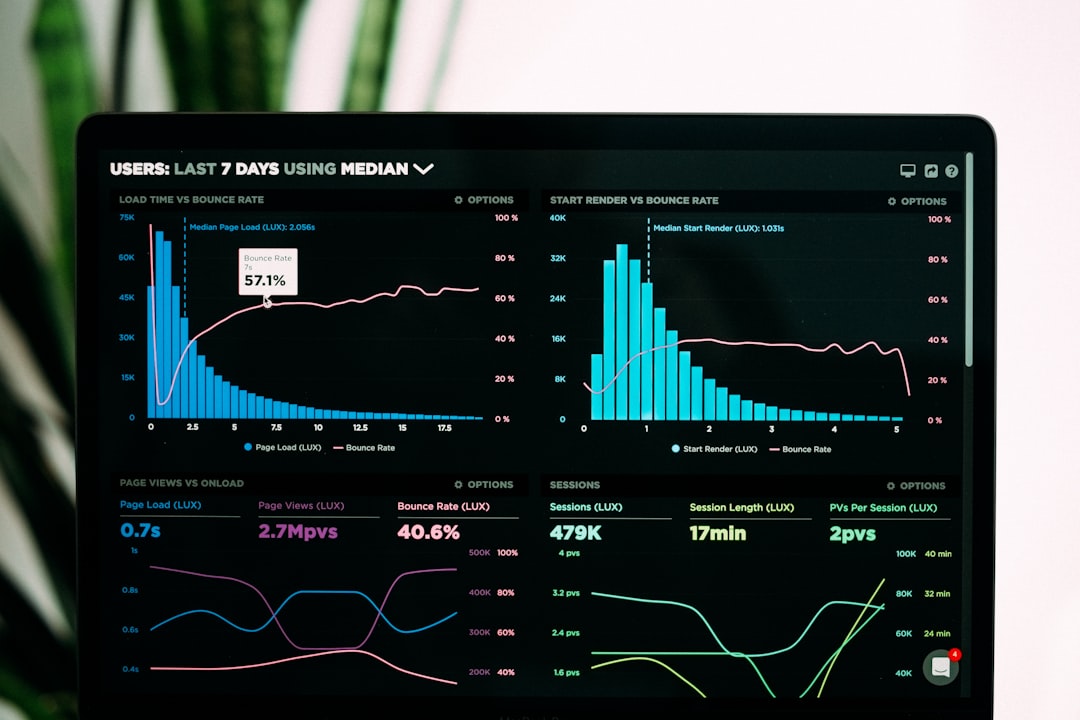
An SEO dashboard is kind of like a fitness tracker – but for your website. It gives you instant feedback on how your site is performing in search engines. Instead of counting your steps, it’s tracking:
- Keyword rankings
- Organic traffic
- Backlinks
- Site speed
- Click-through rate (CTR)
All of this data appears in one visual interface. It may look a bit like a cockpit, but don’t worry. You don’t need a pilot’s license to fly this thing—just a bit of curiosity!
Why You Need One
Imagine trying to improve your SEO without knowing what’s going on. That’s like baking a cake without a recipe. A dashboard gives you the recipe—and tells you when something’s burning!
Here’s why you’ll love having an SEO dashboard:
- Real-time tracking: See changes as they happen
- Time-saving: No more clicking through a dozen tools
- Easy to share: Great for teams and clients
- Goals-focused: Helps you hit targets faster
Meet Your New Best Metrics
So, what key metrics should your SEO dashboard track? Let’s break it down with some SEO-friendly bite-sized info.
1. Organic Traffic
This is the number of visitors who land on your site through unpaid search results, i.e., Google searches. A rise here means your SEO is on the right track!
2. Keyword Rankings
These show where your site ranks for specific search terms. Going from position 50 to 5? Pop the champagne.
3. Bounce Rate
This shows how many people leave your site quickly without clicking anything. A high bounce rate = 🚩 Something might be broken or boring!
4. Backlinks
These are links from other websites to yours. Think of them as online thumbs-ups. The more you have, the more trustworthy your site looks to Google.
5. Page Speed
Slow pages are SEO-killers. This metric tells you which pages need a speed boost. 🐢 → 🚀
6. Click-Through Rate (CTR)
This shows how often people who see your link in search results actually click it. Low CTR? You might need a snazzier title or meta description.
Great SEO Dashboard Tools
You don’t need to build your dashboard from scratch. There are plenty of tools out there that do the job (and look cool doing it):
- Google Data Studio: Free, customizable, and syncs with everything Google
- SEMrush: Fancy features plus great visualizations
- Ahrefs: Known for backlink and keyword magic
- Moz Pro: A friendly option for SEO beginners
- DashThis: Drag-and-drop dashboard builder for various channels
Custom vs. Pre-built Dashboards
Here’s a mini-showdown:
| Type | Pros | Cons |
|---|---|---|
| Custom Dashboards | Tailored to your goals, super flexible, can pull data from different tools | May need technical know-how, setup takes time |
| Pre-Built Dashboards | Quick to set up, easy to use, polished templates | Less control, might not track everything you want |
Tips for Creating a Killer SEO Dashboard
If you’re building your own, here are a few quick pointers:
- Don’t overload it. Stick to the metrics that matter most.
- Visuals help. Use graphs, charts, and bars. Nobody likes endless numbers.
- Organize by goals. Group your metrics into categories like traffic, rankings, and speed.
- Update often. Weekly or monthly is good, depending on your needs.
Making Sense of the Data
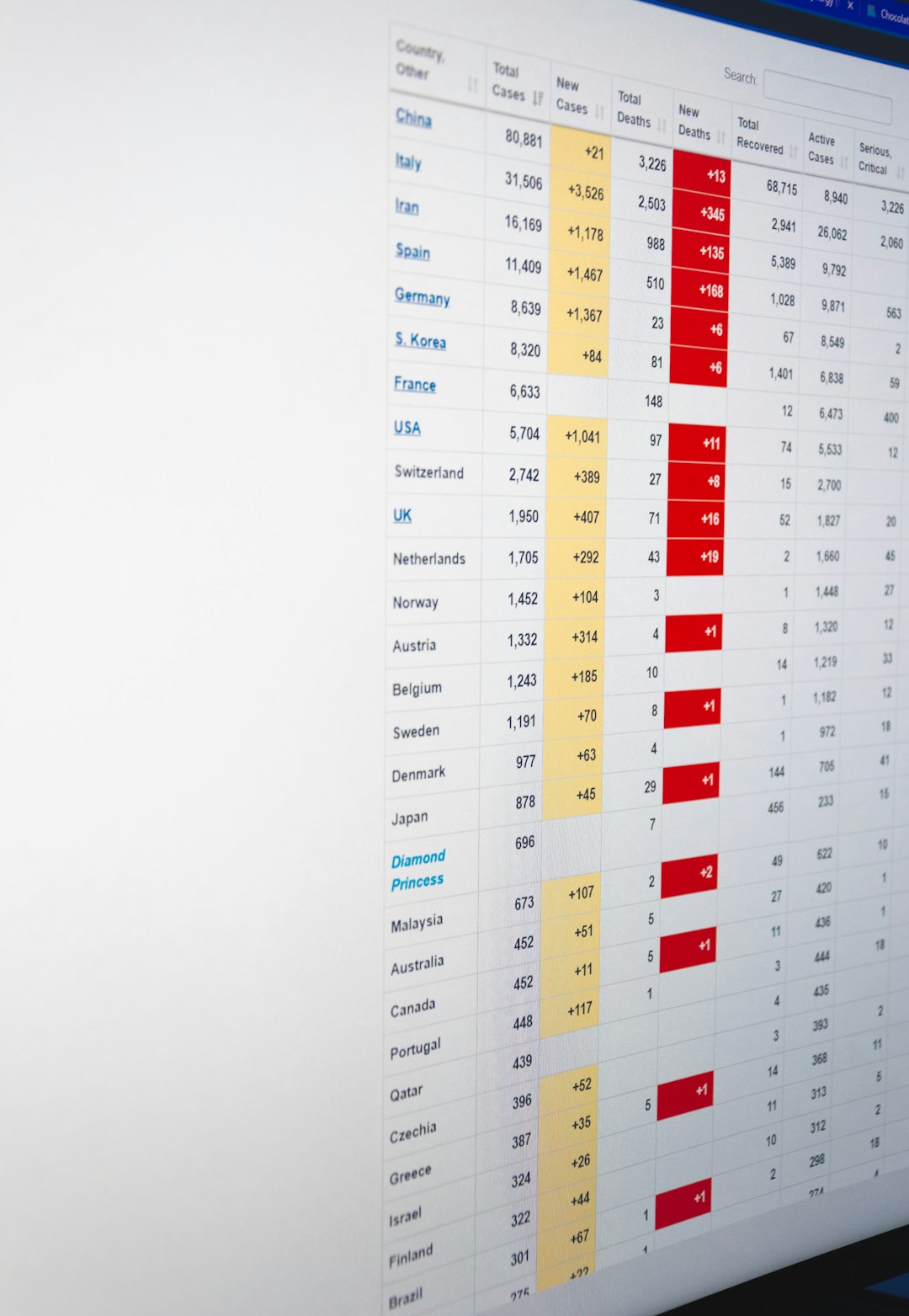
Once your dashboard is up and running, you’ll see all kinds of numbers. It can be overwhelming at first. Here are simple steps to turn confusing data into useful action:
- Spot the trends. Is traffic going up or down?
- Find problem areas. High bounce rate? Bad page speed?
- Make small changes. Update titles, tweak load times, fix mobile issues.
- Track the result. Did your change help? Keep it. If not, try something else.
Over time, these small tweaks make a big difference. And your dashboard is your guide through it all.
Perfect for Teams & Agencies
If you’re running a business or agency, dashboards are lifesavers. You can hand everyone the same info, at the same time, in a pretty package. Clients love visuals. Bosses love reports. And your team? They’ll love not having to ask for updates every five minutes.
Common Mistakes to Avoid
Before you race off and build one, here are a few face-palm mistakes you’ll want to dodge:
- Tracking too many metrics. Less is more.
- Obsessing over daily data. SEO moves slowly. Watch weekly, or even monthly.
- Ignoring context. A drop in traffic isn’t always bad. Look at the full picture!
- Forgetting to act. Data means nothing if you don’t do something with it.
Final Thoughts
An SEO dashboard is more than a tool—it’s your treasure map. It highlights the gold and uncovers where pirates might have buried problems (yes, your site’s high bounce rate counts as buried treasure gone wrong).
Whether you choose Google Data Studio or a fancy SEMrush dashboard, the key is to actually use it. Check it often. Make changes. Get better.
Remember, even the best data won’t boost your rankings. But the smart actions you take because of that data? That’s where SEO magic happens.
