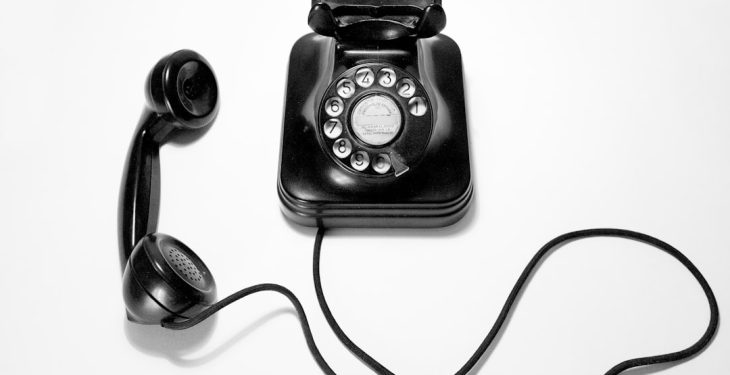
Long before the sleek touchscreen smartphones of the 21st century, phones had a very different interface: physical number pads made up of mechanical buttons. These keypads were more than a simple necessity—they represented a particular stage of technological evolution that shaped how humans interacted with machines, encoded information, and communicated globally.
TL;DR (Too Long; Didn’t Read)
The old telephone number pad was once a revolutionary interface that standardized user input methods across telephones. It influenced early mobile device design and led to methods like multi-tap and T9 predictive text input. As smartphone technology progressed, physical buttons were phased out in favor of touchscreens, but the legacy of the keypad strongly influenced modern virtual interfaces. Understanding its evolution offers insight into why user interface design continues to balance functionality with simplicity.
The Birth of the Telephone Keypad
The earliest telephones didn’t require keypads. Instead, users relied on rotary dials—a circular ring numbered from 0 to 9. While innovative in their time, rotary dials were slow and prone to user error. In the 1960s, as telecommunication infrastructure moved toward electronic switching systems, the need for a more efficient input mechanism gave rise to the telephone keypad.
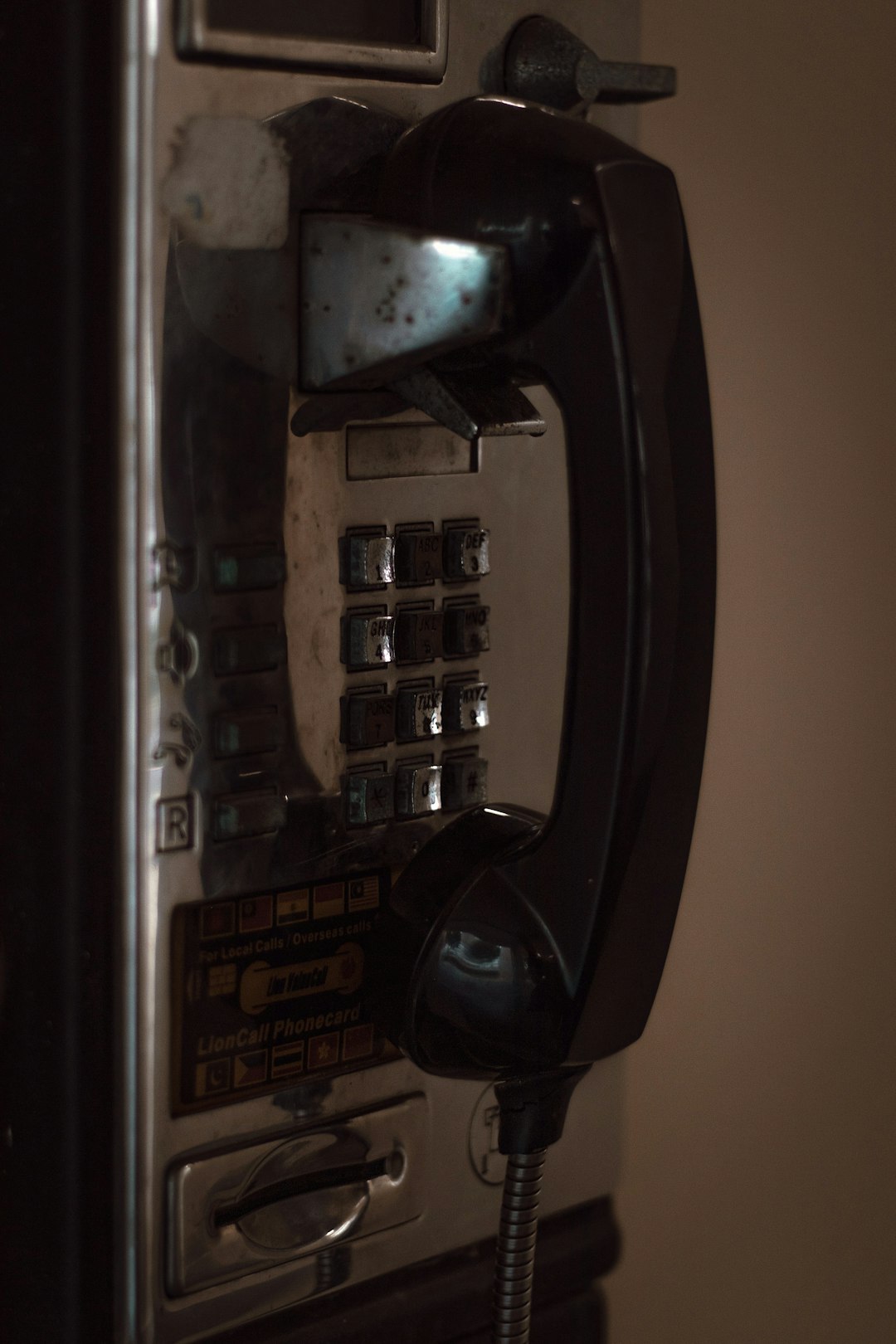
Developed by Bell Labs and introduced by AT&T in 1963, the first push-button telephone was designed for speed, simplicity, and user friendliness. The standard layout was a 3×4 grid with digits arranged as follows:
- 1 2 3
- 4 5 6
- 7 8 9
- * 0 #
This format was not chosen arbitrarily. Human factors research showed that users could dial numbers faster with this configuration compared to other arrangements like horizontal rows or rotary dials.
Why 1-2-3 on Top? The Logic Behind the Layout
Interestingly, the number pad layout on phones differs from the numeric keypads seen on calculators and computer keyboards, which place 7-8-9 at the top. Bell Labs wanted a layout optimized for novices rather than professionals like accountants. Usability studies indicated that placing 1-2-3 at the top led to better performance among average users.
This decision became a de facto standard, and as telephony systems expanded, millions of people worldwide were trained—consciously or unconsciously—to use this new interface model. The asterisk (*) and pound/hash (#) keys, initially included for future top-secret functionalities, would later become essential for navigating voicemail and modern-day IVR (Interactive Voice Response) systems.
Text Entry with Number Pads: The Multi-Tap Era
By the 1990s, mobile phones had adopted the same keypad layout but introduced a major new function: text input. Lacking a full keyboard, early mobile phones relied on a technique known as multi-tap. Each number key was assigned several letters:
- 2: ABC
- 3: DEF
- 4: GHI
- 5: JKL
- 6: MNO
- 7: PQRS
- 8: TUV
- 9: WXYZ
Sending a simple message like “HELLO” required multiple taps: to type ‘H’, a user would tap key 4 twice. While slow by today’s standard, multi-tap texting was a crucial milestone in mobile communication. It gave rise to SMS (Short Message Service), which transformed the telephone from a voice-only device into a true communication hub.
Predictive Text and the Rise of T9
As texting gained popularity, a need for faster input led to the development of T9 (Text on 9 keys). Introduced in the late 1990s, T9 software predicted words based on the letters associated with each number pad key. Instead of tapping multiple times for each letter, users could press each number key only once, and T9 would suggest the most likely word.
This leap in usability made messaging faster and more efficient, dramatically increasing mobile phone usage around the world, especially among younger generations.
The Gradual Decline of the Physical Keypad
Despite numerous innovations improving the number pad experience, the mobile phone industry faced another disruptive change: the emergence of touchscreens. With the launch of the original iPhone in 2007, the market shifted toward devices offering full QWERTY keyboards via on-screen touch interfaces.
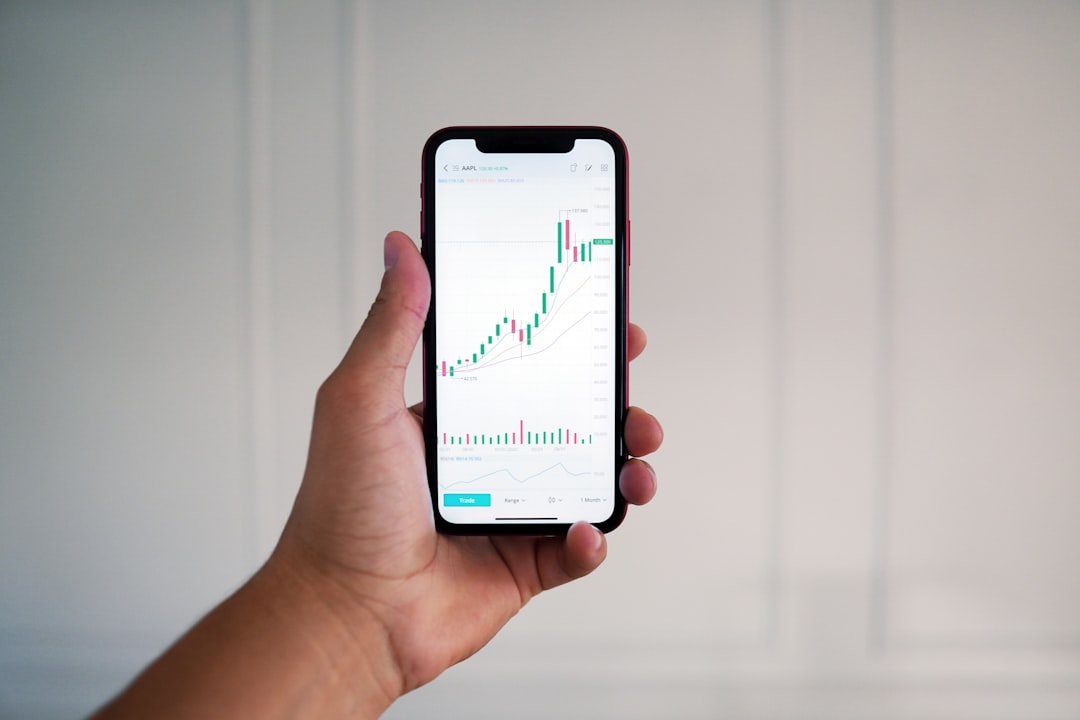
These newer devices offered several advantages:
- A larger screen for browsing, media, and apps
- More flexible input formats (handwriting, swipe, or voice)
- Enhanced predictive technologies and software keyboards
As mobile phone usage extended beyond calling and texting into email, media, and internet connectivity, physical buttons began to feel restrictive. By the 2010s, most new mobile phones no longer featured the classic number pad at all.
The Keypad’s Enduring Legacy
Although obsolete on modern devices, the traditional phone keypad left a lasting impact on user interface design. Many banking systems, smart home devices, and even modern apps still use a virtual replica of the 3×4 grid for authentication and data entry. Its layout remains instantly familiar to billions of people worldwide.
Furthermore, verbal instructions—like “press pound to finish” or “press 1 for customer service”—still reference the keypad paradigm, indicating how deeply ingrained it has become in global communication culture.
Reinvention in the Digital Era
Interestingly, the old number pad interface is seeing something of a rediscovery. Retro-inspired hardware phones, devices for senior citizens, and assistive technologies often return to tactile keypads for their simplicity and reliability. Additionally, virtual keypads are still adopted in modern user interfaces involving fax machines, alarm panels, payment terminals, and ATMs.
The keypad may no longer be the dominant method for entering information, but its clean, minimalist layout continues to inspire UI designers seeking simplicity and clarity.
Conclusion
The telephone number pad is a landmark example of purposeful design and technological evolution. What began as a mechanical tool for dialing numbers became an iconic interface for communication, information, and interaction. Understanding its legacy helps modern designers appreciate the balance between form, function, and user experience.
FAQ: Old Phone Number Pads
-
Why do phone keypads have 1-2-3 at the top instead of 7-8-9?
Usability studies by Bell Labs found that average users made fewer errors and dialed faster when 1-2-3 was placed at the top. It was a conscious decision aimed at improving user experience. -
What are the * and # keys used for?
Known as the asterisk and pound/hash keys, they were initially intended for future special functions. Over time, they became critical for navigating systems like voicemail and automated customer service menus. -
What was T9 texting?
T9 was a predictive text input method that allowed users to press each key once per letter and let the phone guess the intended word. It replaced the slower multi-tap method. -
Are physical keypads still used?
Yes. Certain groups, such as senior citizens or users with accessibility needs, still prefer tactile keypads for ease of use. They are also common in security systems and payment terminals. -
Do modern phones still use this keypad layout?
While physical buttons are rare, many virtual dialers on smartphones mimic the traditional 3×4 layout to maintain familiarity and ease of use.
