
In an increasingly competitive digital landscape, short-form videos have emerged as powerful tools for grabbing attention and driving conversions. For businesses, this means leveraging high-impact “shorts” that aren’t just engaging—but strategically crafted to inspire action. Whether it’s driving traffic, boosting product awareness, or enhancing brand identity, the right tools make all the difference in producing quality business shorts that deliver results.
TLDR:
Short-form video content is a highly effective way to capture attention and drive conversions in a crowded online market. To create high-impact business shorts, it’s crucial to use specialized tools that enhance visuals, audio, storytelling, and performance analytics. This article outlines eight trusted tools to help you produce professional-level content that resonates with audiences and achieves your business goals. From editing to scripting and optimization, these tools streamline the content creation process and improve output quality.
1. Adobe Premiere Pro – For Professional-Grade Editing
Adobe Premiere Pro is widely respected as one of the most robust video editing platforms on the market. If you want your business shorts to look polished and visually compelling, this tool provides unmatched flexibility, precision, and scalability.
- Features: Multi-cam editing, advanced color grading, sound mixing, transitions, and motion graphics capabilities.
- Why use it: Ideal for businesses with high production values or internal media teams looking to create customized, high-resolution shorts.
Tip: Use Premiere Pro’s auto-reframe feature to adapt videos for various social platforms automatically.
2. InVideo – Quick and Accessible for Beginners
InVideo is a web-based platform that caters to users who may not have advanced editing skills but still want to achieve professional-looking results. It provides a vast library of templates tuned for business messaging, product highlights, testimonials, and explainer videos.
- Features: Over 5,000 templates, text-to-video capabilities, integrated media library, and drag-and-drop editing.
- Why use it: Great for marketing teams working under tight deadlines or limited technical expertise.
Ideal for: Social media short campaigns, promotional videos, and testimonial snippets.
3. CapCut – Mobile Editing for Agile Teams
If you’re on the go or working closely with influencers or micro-creators, CapCut by ByteDance is one of the most versatile mobile video editors available. It syncs seamlessly with social platforms like TikTok and offers a range of editing features tailored to short-form content.
- Features: Smart text generators, trending effects, royalty-free music, AI-based background removal.
- Why use it: Excellent for mobile teams or rapid iteration of content for A/B testing.
No desktop? No problem. CapCut is designed natively for mobile editing, so it supports fast, on-the-ground production.
4. Descript – For Voiceovers and Audio Syncing
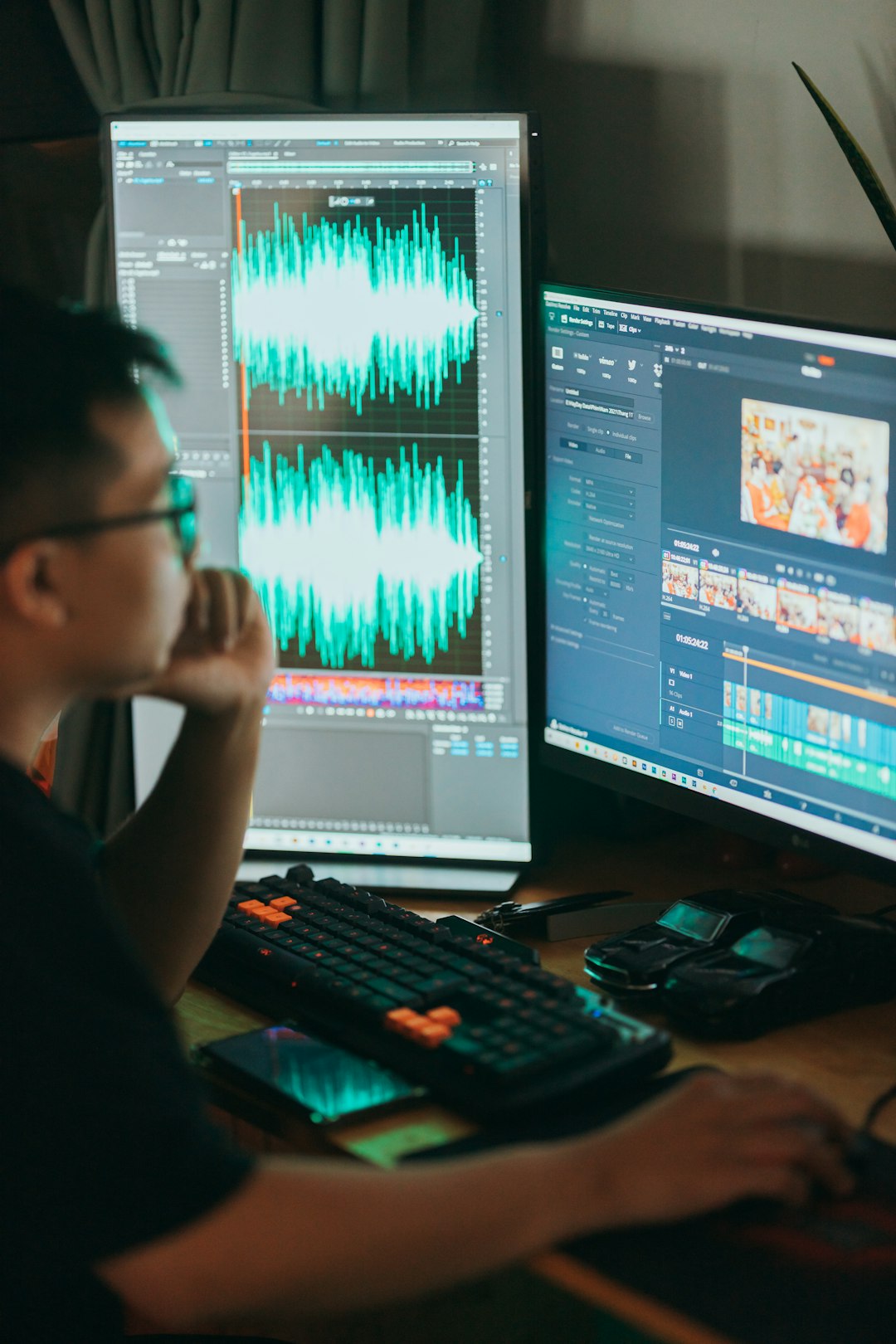
Audio is often overlooked, but it can make or break a business short. Descript is a revolutionary tool that transcribes, edits, and enhances audio in videos, making it perfect for professionals who want clear messaging without hiring an external sound editor.
- Features: Overdub AI voice cloning, automatic transcription, screen recording, and multitrack editing.
- Why use it: Streamlines both the audio post-production workflow and voiceover creation.
Pro tip: Use Overdub to correct missed words or change scripts without having to re-record audio.
5. Lumen5 – AI-Powered Video Creation from Text
Lumen5 harnesses the power of AI to turn blog posts, scripts, or articles into compelling video content. An ideal platform for content marketers, Lumen5 helps maximize the shelf life and reach of written work by repurposing it into branded videos.
- Features: AI storyboard generator, automated scene selection, brand kits, and licensed video library.
- Why use it: Allows content teams to scale video output without needing additional staff or skills.
Case use: Thought leadership shorts, internal communications, and product highlight reels.
6. Veed.io – For On-Brand Subtitles and Captions
Subtitles are no longer optional. A significant portion of your audience will consume videos silently, especially on social media. Veed.io offers automatic captioning with stunning customization features that ensure your brand’s identity is preserved even in text overlays.
- Features: Auto-subtitling, audio cleanup, brand fonts, color palettes, and custom animations.
- Why use it: Perfect for business shorts shared on LinkedIn, Instagram, or YouTube Shorts to maximize accessibility and retention.
Insight: Videos with subtitles have been shown to increase watch time by up to 40% on average.
7. Animoto – Drag-and-Drop Video for Sales and Training
For businesses needing rapid video content tailored toward internal training, customer onboarding, or product demos, Animoto is a concise and effective tool. Its intuitive interface makes it easy to create high-quality videos without any prior editing experience.
- Features: Sales video templates, drag-and-drop timeline editing, music integration, and branding options.
- Why use it: Designed with business users in mind—especially for HR, sales, and customer service teams.
Best suited for: Tutorials, case studies, and onboarding materials that require clarity more than cinematic flair.
8. TubeBuddy – Optimize Video Performance on YouTube
Creating a high-impact video is only half the battle; optimizing it for performance is equally critical. TubeBuddy is a browser extension and mobile app that provides optimization insights, SEO tools, and analytics to ensure your business shorts reach the intended audience.
- Features: SEO keyword suggestions, A/B thumbnail testing, tag ranking tracking, and analytics.
- Why use it: Ideal for businesses heavily invested in using YouTube as a lead-generation or content marketing platform.
Don’t leave success to chance. Use TubeBuddy to fine-tune your published content and dramatically improve visibility and engagement rates.
Conclusion: The Right Tools for Better Business Outcomes
The demand for short-form video content is not a passing trend—it’s the future of brand communication. Each tool in this list addresses a specific part of the video creation pipeline: from scripting and editing to performance optimization. Choosing the right combination hinges on your team’s size, objectives, and technical capacity.
Ultimately, successful business shorts are not only visually appealing—they are strategic, thoughtful, and measured. With these trusted tools, your content team can produce scalable, impactful videos that transform viewers into customers with precision and professionalism.
