Want more phone calls from your website? Good. Because phone calls often turn visitors into paying customers faster than forms or emails ever could. A well-designed call button can increase customer engagement by up to 40%. But only if you build it the right way. This guide will show you how to create powerful WordPress call buttons that grab attention and make people tap without hesitation.
TLDR: Call buttons work because they remove friction. Make them bold, mobile-friendly, and impossible to miss. Use smart placement, clear wording, and tracking to improve results. Test often, improve often, and you can boost engagement by up to 40%.
Why Call Buttons Matter So Much
People are impatient. Especially on mobile. If they have to copy your number and paste it into their phone app, they probably won’t. Every extra step loses customers.
A call button:
- Removes friction
- Speeds up decisions
- Feels personal
- Builds trust instantly
For small businesses, this is gold. Plumbers. Dentists. Consultants. Restaurants. Local shops. Most customers want answers now. A call button gives it to them.
The Psychology Behind High-Converting Call Buttons
Before we build anything, let’s understand why people click.
Great call buttons use:
- Visibility – Easy to see.
- Urgency – Encourages fast action.
- Clarity – No confusion.
- Trust cues – Feels safe.
“Call Us” works. But “Speak to a Local Expert Now” works better. Why? It’s specific. It feels helpful.
Small wording changes can boost clicks dramatically.
Step 1: Create a Click-To-Call Link the Right Way
In WordPress, the foundation of any call button is simple. Use the tel: link format.
Example:
<a href=”tel:+1234567890″>Call Now</a>
That’s it. When someone taps it on mobile, their phone app opens automatically.
If you use the Block Editor:
- Add a Button block
- Insert your phone number with tel:
- Style it properly
If you use a page builder, most have a button element with a phone link option built in.
Step 2: Design for Maximum Attention
Your button should not hide. It should shout. Politely.
Here’s what works best:
- High contrast colors
- Rounded corners
- Large font size
- Plenty of padding
Bright green, orange, or blue perform well. But always match your brand.

Pro tip: Make your call button full width on mobile. Thumbs love big targets.
Also:
- Minimum 44px height
- Clear, bold text
- No clutter around it
Space around the button increases clicks. Crowding reduces them.
Step 3: Smart Placement Equals More Calls
Placement can increase conversions more than design.
Here are the best spots:
1. Above the fold
This is the area visible before scrolling. Prime real estate.
2. Sticky header
A button that follows users while scrolling works wonders.
3. Sticky bottom bar on mobile
This is one of the highest-converting placements ever.
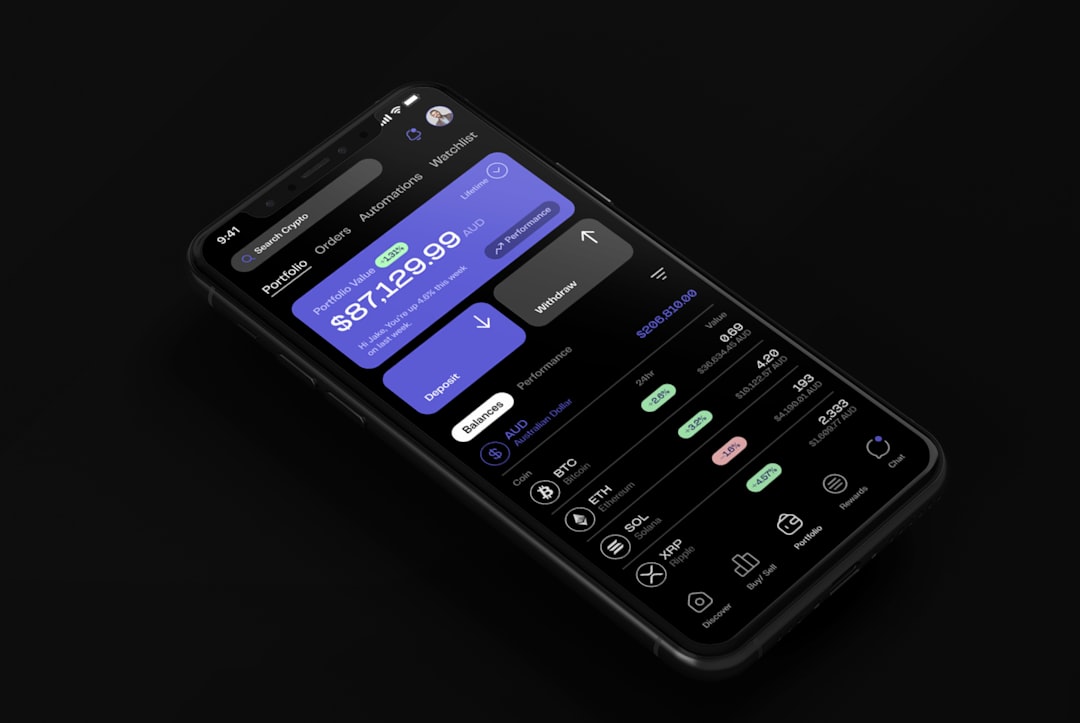
Small businesses see huge gains from this one change alone.
4. After key content sections
After testimonials. After service descriptions. After pricing.
Strike while motivation is high.
Step 4: Use Action-Driven Text That Converts
“Call Now” is okay.
But better options include:
- Get a Free Quote Today
- Talk to an Expert Now
- Book Your Free Consultation
- Call for Same-Day Service
Notice something? Each one answers this question:
What’s in it for me?
Add benefits. Add time sensitivity. Keep it short.
Two to five words is usually perfect.
Step 5: Make It Mobile-First (Not Just Mobile-Friendly)
Over 60% of local traffic comes from mobile devices.
That means:
- Large tap areas
- Fast loading speed
- No popups blocking the button
- Clear visibility at all times
Test your page on multiple phones. Not just your own.
Ask yourself:
- Can I see it instantly?
- Can I tap it easily with one hand?
- Is it obvious what happens next?
If yes. You’re winning.
Step 6: Add Click Tracking (Critical Step)
If you don’t measure clicks, you’re guessing.
You can track call button clicks using:
- Google Analytics event tracking
- Google Tag Manager
- WordPress analytics plugins
Track:
- Number of clicks
- Mobile vs desktop clicks
- Which pages convert best
This data shows you what to improve.
For example:
- If homepage gets clicks but service pages don’t — add stronger CTAs.
- If mobile outperforms desktop — double down on mobile design.
Optimization becomes easy when you have numbers.
Step 7: Use Trust Boosters Near the Button
Trust increases engagement dramatically.
Add near your button:
- 5-star ratings
- Short testimonials
- “No obligation” text
- “Free estimate” label
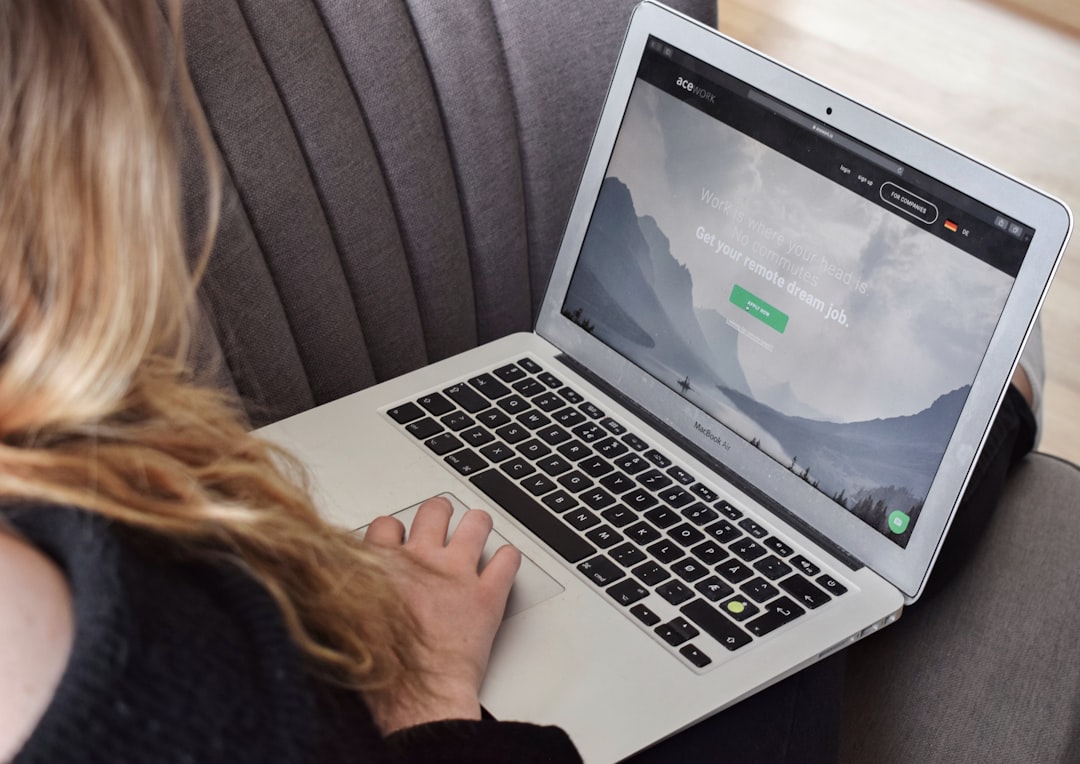
Example layout:
- Service description
- Short testimonial
- Call button
- “No obligation consultation” text
Simple. Powerful. Effective.
Step 8: Use Dynamic Call Buttons for Advanced Results
Want to go next level? Make your buttons dynamic.
Examples:
- Show “Emergency Service – Call Now” during evenings
- Display different numbers for tracked ad campaigns
- Change button text based on page category
This increases relevance. And relevance increases clicks.
Dynamic call tracking also tells you which marketing channels bring the most valuable phone calls.
Step 9: A/B Test Everything
This is where the magic happens.
Test:
- Button color
- Button wording
- Placement
- Sticky vs static
Change one thing at a time.
Run the test for at least two weeks.
You may discover:
- Orange beats blue
- “Free Quote” beats “Call Now”
- Sticky footer doubles mobile conversions
Small tweaks. Big gains.
Common Mistakes That Kill Conversions
Avoid these:
- Using tiny buttons
- Hiding phone numbers in images only
- Too many competing CTAs
- Slow loading pages
- No visible number for desktop users
Desktop visitors often prefer manually dialing. Always display the number clearly in text form.
Also, don’t overwhelm users with five different contact options above the fold.
One primary action wins.
Advanced Layout Strategy for 40% Engagement Growth
Here is a high-performing structure for small business websites:
Homepage Layout Example
- Hero headline
- Short benefit statement
- Primary call button
- Trust badges
- Service overview
- Testimonial
- Secondary call button
- FAQ
- Final strong call button
This multi-touch approach works because users decide at different times.
Some need proof. Some are ready instantly.
You serve both.
Bonus: Speed Optimization Boosts Call Clicks
Slow websites kill momentum.
Improve speed by:
- Compressing images
- Using caching
- Minimizing plugins
- Using quality hosting
Even a one-second improvement can increase conversions significantly.
Fast site. Easy call. Happy customer.
Final Thoughts
Call buttons are simple. But powerful.
They reduce friction. They increase trust. They build human connection.
If you:
- Design boldly
- Place strategically
- Write compelling text
- Track performance
- Test consistently
You can absolutely increase customer engagement by up to 40%.
Start small. Improve weekly. Let data guide you.
Your phone should ring more often.
And that’s a very good problem to have.
