Few things are more frustrating for online gamers than opening their favorite browser game and discovering it simply will not load. Wormate.io, the colorful and competitive multiplayer game, is no exception. Whether it gets stuck at the loading screen, freezes mid-game, or refuses to connect entirely, connection issues can quickly ruin the fun.
TLDR: If Wormate.io is not loading or working, the issue is usually related to browser cache, internet connectivity, outdated software, server problems, or device performance. Clearing cache and cookies, checking your internet connection, updating your browser, disabling extensions, or switching devices often resolves the problem. Most issues can be fixed in just a few minutes without advanced technical knowledge.
This guide explores the five most effective fixes to get Wormate.io back online and running smoothly. Each solution is easy to follow and designed for players of all experience levels.
Why Wormate.io May Not Be Loading
Before jumping into fixes, it helps to understand why the game may not be working. Since Wormate.io is a browser-based multiplayer game, it depends on several components functioning correctly:
- Stable internet connection
- Updated browser
- Clean cache and cookies
- Functional game servers
- Enough system resources
If even one of these elements fails, the game may lag, freeze, or refuse to load entirely.
Fix #1: Clear Browser Cache and Cookies
One of the most common reasons Wormate.io does not load is corrupted cache or cookies. Browsers store temporary files to help websites load faster, but over time these files can become outdated or damaged.
Why This Works
Clearing the cache removes old files that may conflict with the current version of the game. Once cleared, the browser reloads fresh data directly from the server.
How to Clear Cache (General Steps)
- Open browser settings.
- Find Privacy and Security.
- Select Clear browsing data.
- Choose Cookies and Cached Images.
- Click Clear Data.
After clearing the cache, restart the browser and reload Wormate.io.
Tip: Using incognito or private mode is a quick way to check if cache is the problem without deleting saved data.
Fix #2: Check Your Internet Connection
Because Wormate.io is a real-time multiplayer game, it requires a stable and reasonably fast internet connection. Even minor connectivity interruptions can cause loading issues.
Signs of Connection Problems
- Game stuck at loading screen
- Frequent freezing or lag spikes
- “Unable to connect” messages
- Other websites loading slowly
How to Fix It
- Restart the router.
- Switch from WiFi to wired connection.
- Move closer to the router.
- Disconnect other devices using bandwidth.
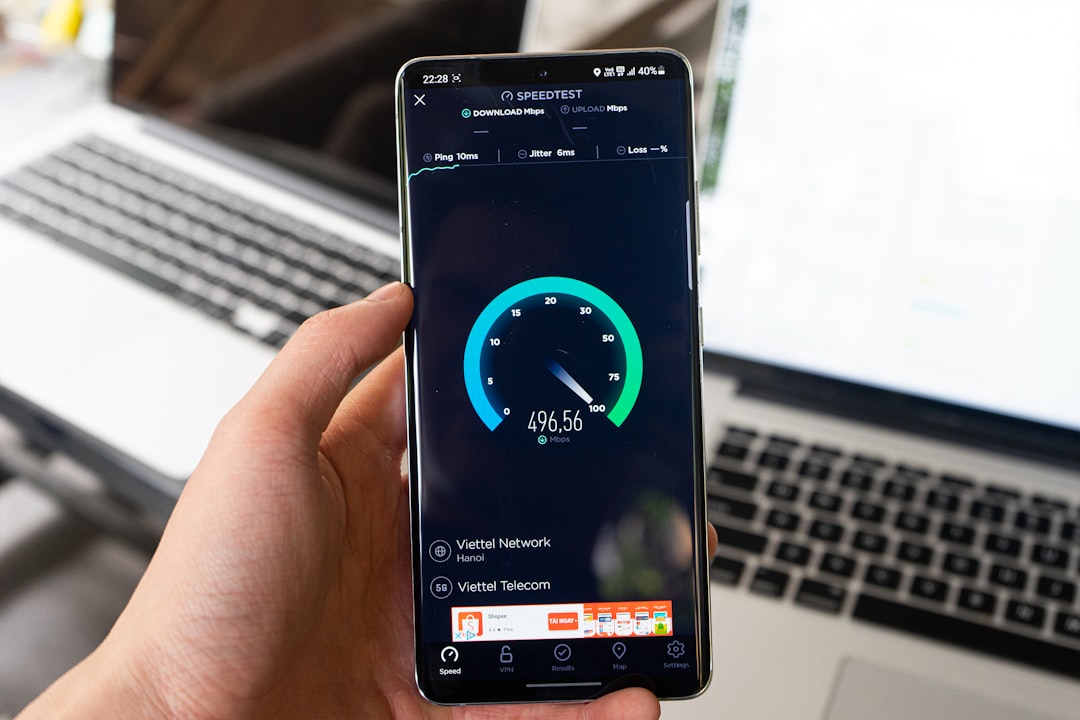
- Run an online speed test.
If speeds are significantly lower than expected, contacting the internet service provider may be necessary.
Fix #3: Update Your Browser or Try a Different One
An outdated browser can prevent web-based games from running properly. Wormate.io relies on modern browser technologies such as WebGL and updated JavaScript engines.
Recommended Browsers
- Google Chrome
- Mozilla Firefox
- Microsoft Edge
- Safari (updated version)
If the game is not working in one browser, switching to another often fixes compatibility problems instantly.
| Browser | Performance | Compatibility | Best For |
|---|---|---|---|
| Chrome | High | Excellent | Most users |
| Firefox | High | Very Good | Privacy focused users |
| Edge | High | Excellent | Windows devices |
| Safari | Moderate to High | Good | Mac users |
Important: Always install the latest version for optimal performance.
Fix #4: Disable Browser Extensions
Some browser extensions, particularly ad blockers, VPN add-ons, and privacy tools, can interfere with online games.
Why Extensions Cause Issues
Extensions modify web content in real-time. In some cases, they block scripts or prevent necessary connections required for multiplayer games.
How to Test
- Open browser settings.
- Go to Extensions.
- Disable all extensions temporarily.
- Reload Wormate.io.
If the game loads correctly, re-enable extensions one by one to identify the problematic one.
Fix #5: Check Wormate.io Server Status
Sometimes the issue is not on the user’s side at all. Multiplayer games depend on centralized servers, and if those servers are experiencing downtime or maintenance, players cannot connect.
How to Confirm Server Issues
- Check official social media accounts.
- Visit online outage tracking websites.
- See if other players report similar issues.
If the servers are down, the only solution is patience. Most outages are resolved quickly.
Additional Tips for Better Performance
If Wormate.io loads but runs poorly, device performance may be the root cause.
Optimize Your Device
- Close background programs.
- Restart the device.
- Free up RAM.
- Update graphics drivers.
On mobile devices, clearing app cache or reinstalling the app version (if available) may also help.
When to Reinstall or Switch Devices
If all else fails, trying a different device can determine whether the problem is hardware-specific. For example:
- If the game works on a phone but not on a laptop, the laptop browser is likely the issue.
- If it works on another WiFi network, the original network may have restrictions.
Reinstalling the browser entirely can also eliminate deep configuration errors.
Preventing Future Issues
To minimize future loading issues, players should:
- Keep browsers updated.
- Regularly clear cache.
- Avoid installing unnecessary extensions.
- Maintain a stable internet setup.
- Restart devices periodically.
These small maintenance steps significantly reduce the chance of encountering loading problems again.
Frequently Asked Questions (FAQ)
1. Why is Wormate.io stuck on the loading screen?
This usually happens due to corrupted cache, slow internet, or temporary server issues. Clearing cache and checking connection stability often resolves it.
2. Is Wormate.io down right now?
The best way to verify is by checking official announcements or outage reporting websites. If many players report issues at the same time, it is likely a server problem.
3. Does Wormate.io work on mobile devices?
Yes, it can run on mobile browsers and sometimes dedicated app versions. Performance depends on the device and internet speed.
4. Why does Wormate.io lag even with good internet?
Lag can be caused by background applications using system resources, outdated browsers, or high server traffic during peak hours.
5. Do ad blockers affect Wormate.io?
Yes, some ad blockers can interfere with scripts required for the game to function properly. Temporarily disabling them can help diagnose the issue.
6. Will reinstalling my browser fix the issue?
In some cases, yes. Reinstalling removes corrupted settings or extensions that may not be fixed by simply clearing cache.
Final Thoughts: Wormate.io not loading or working is usually a minor technical hiccup rather than a major problem. By following these five practical fixes — clearing cache, checking internet connection, updating the browser, disabling extensions, and verifying server status — most players can return to the game within minutes. With regular device maintenance and stable connectivity, future interruptions can often be avoided entirely.
