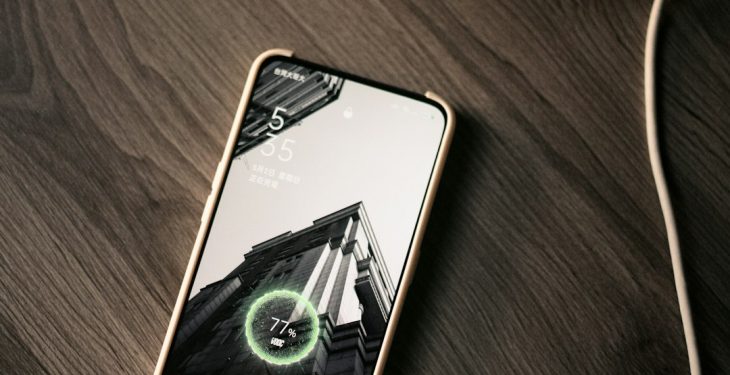
Your phone was at 82% when you left home. By lunch, it was gasping at 19%, even though you only checked messages, scrolled a little, and listened to music on the way to work. If that sounds familiar, you are not imagining it: modern smartphones are powerful pocket computers, and battery life can drop quickly when hardware, apps, settings, and battery age all start working against you.
TLDR: Your phone may be dying fast because of battery aging, power-hungry apps, high screen brightness, poor signal, background activity, or temperature stress. Start by checking your battery health and app battery usage, then adjust settings like brightness, location, notifications, and background refresh. If your phone is older and the battery health is poor, a battery replacement may be the most effective fix.
Why Your Phone Battery Drains So Quickly
A fast-draining phone battery usually does not have just one cause. It is often a mix of battery wear, software settings, app behavior, network conditions, and everyday habits. A new phone battery can hold close to its full designed capacity, but over time, every charge cycle slightly reduces how much energy it can store.
Think of your phone battery like a water bottle. When it is new, it holds a full bottle’s worth. After years of use, dents and wear mean it still looks like a bottle, but it cannot hold quite as much. Your phone may still show 100% after charging, but that 100% may represent much less actual capacity than it once did.
1. Your Battery Health May Be Declining
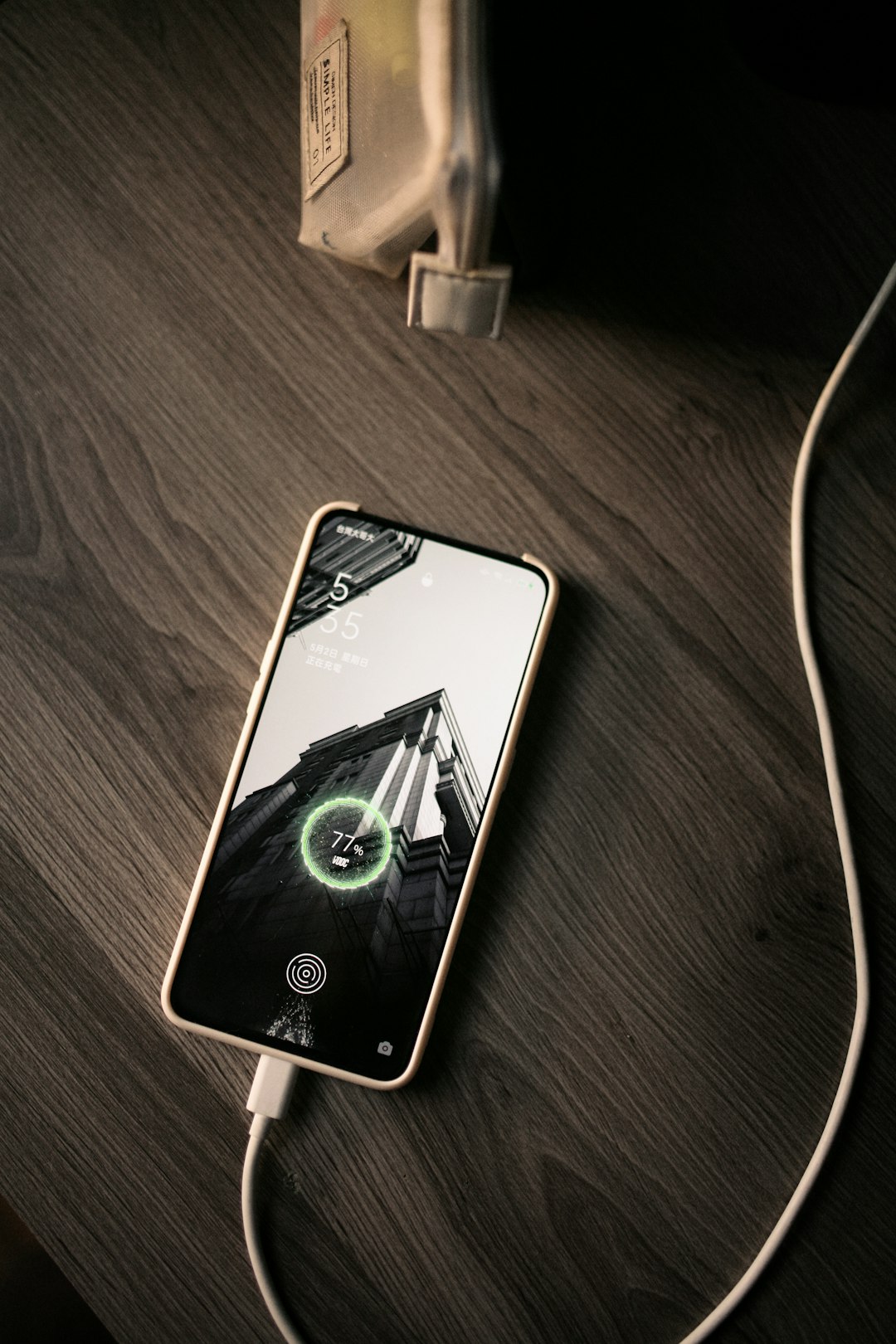
The most important place to start is battery health. Lithium ion batteries, used in most smartphones, naturally degrade as they age. This happens because of charge cycles, heat, chemical reactions inside the battery, and time itself.
A charge cycle is not necessarily one full plug-in session. It means using 100% of your battery’s capacity in total. For example, using 50% today and 50% tomorrow counts as one charge cycle. After hundreds of cycles, your battery will not last as long as it did when the phone was new.
On many iPhones, you can check this by going to Settings > Battery > Battery Health & Charging. Look for Maximum Capacity. If it is under about 80%, you may notice quicker drain, unexpected shutdowns, or weaker performance.
On Android, the exact path varies by brand. Some phones show battery health in Settings > Battery, while others may require a built-in diagnostics app or a trusted third-party battery monitor. Samsung devices, for example, often include battery diagnostics through the Samsung Members app.
2. Your Screen Is Using More Power Than You Think
The display is one of the biggest battery consumers on any smartphone. Large, bright, high-refresh-rate screens look beautiful, but they demand energy. If your brightness is always high or your screen stays on for long periods, your battery will drain noticeably faster.
Several display settings can make a major difference:
- Brightness: Lowering brightness or using auto brightness can reduce battery drain.
- Screen timeout: Set your screen to turn off after 30 seconds or one minute of inactivity.
- High refresh rate: Phones with 90Hz, 120Hz, or higher refresh rates feel smoother but use more power.
- Always-on display: Convenient, but it can slowly drain your battery throughout the day.
- Light mode on OLED screens: On OLED phones, dark mode can save energy because black pixels use less power.
If you want an immediate improvement, reduce brightness, shorten screen timeout, and try dark mode. These small changes can add up quickly.
3. Apps Are Running in the Background
Some apps continue working even when you are not actively using them. They may check for updates, track your location, sync files, refresh feeds, send notifications, or maintain a connection to servers. Individually, this may not sound like much. Together, background apps can quietly eat up a huge portion of your battery.
Social media apps, navigation apps, email clients, fitness trackers, cloud storage tools, and messaging apps are common culprits. Games can also drain battery even after you have stopped playing if they continue downloading data or sending notifications.
Check your battery usage report:
- On iPhone: Go to Settings > Battery and review battery usage by app.
- On Android: Go to Settings > Battery > Battery Usage, though the exact wording may vary.
Look for apps using a lot of battery despite limited screen time. If an app is draining power in the background, you can restrict its background activity, turn off unnecessary notifications, or uninstall it if you rarely use it.
4. Poor Signal Can Destroy Battery Life
One overlooked reason phones die quickly is weak network signal. When your phone struggles to find or maintain a connection, it increases power to its cellular radios. This is especially common in rural areas, basements, elevators, large buildings, underground transit systems, or crowded events.
If your phone is constantly switching between 5G, 4G LTE, and Wi Fi, the battery may drain faster as it works to maintain the best connection. In some cases, 5G can use more power than LTE, especially if coverage is spotty.
To reduce drain in poor signal areas, try:
- Connecting to reliable Wi Fi when available.
- Turning on Airplane Mode when you have no signal and do not need connectivity.
- Switching from 5G Auto to LTE if 5G coverage is weak.
- Using Wi Fi calling if your carrier supports it.
5. Location Services Are Always Watching
Location services are useful for maps, weather, ride sharing, fitness tracking, and finding nearby restaurants. But constant GPS use can be expensive for your battery. Apps that request location access all the time can drain power even when they seem inactive.
Review your location settings and ask a simple question: Does this app really need my location all the time? For most apps, the answer is no.
Use these permission levels when possible:
- Never: For apps that do not need your location at all.
- Ask Next Time: Good for apps you use occasionally.
- While Using the App: Best for maps, shopping, food delivery, and local search apps.
- Always: Reserve for essential apps like safety tools, trusted fitness tracking, or device finding services.
6. Push Notifications and Constant Syncing Add Up
Every buzz, ping, and banner means your phone wakes up, connects, downloads information, lights the screen, and sometimes vibrates. A few notifications are harmless. Hundreds per day can become a battery problem.
Email is another sneaky drain. If your phone checks multiple inboxes constantly, it uses power throughout the day. Push email is convenient, but fetching mail every 15 minutes from several accounts can add unnecessary load.
Consider turning off notifications for apps that are not urgent. You can also switch email from push to manual or reduce fetch frequency. This not only saves battery but also makes your phone feel calmer and less distracting.
7. Heat Is Damaging Your Battery
Heat is one of the biggest enemies of battery health. Leaving your phone in a hot car, charging it under a pillow, gaming while fast charging, or using it in direct sunlight can cause the battery to degrade faster.
When your phone gets hot, it may also reduce performance to protect itself. You might notice lag, slower charging, dimmed screen brightness, or warning messages. Repeated heat exposure can permanently reduce battery capacity.
To protect your battery:
- Avoid charging your phone in direct sunlight.
- Remove thick cases during heavy charging if the phone gets warm.
- Do not leave your phone in a parked car on hot days.
- Avoid long gaming or video recording sessions while plugged in.
- Use reputable chargers and cables.
8. Charging Habits Matter More Than You Think
You do not need to obsess over charging, but better habits can extend battery lifespan. Modern phones are smart enough to manage charging safely, yet the battery still ages faster when it spends too much time at extreme levels.
For daily use, many experts recommend keeping your phone between about 20% and 80% when practical. This does not mean you should panic if it reaches 100% or drops below 10%. The goal is to avoid making extremes your everyday routine.
Useful charging tips include:
- Enable Optimized Battery Charging or similar battery protection features.
- Use certified or high-quality chargers.
- Avoid regularly draining the battery to 0%.
- Do not keep your phone hot while charging.
- Use slower charging overnight if your phone supports a battery care mode.
9. Software Bugs Can Cause Sudden Drain
If your phone suddenly started dying fast after an update, a software bug may be involved. Operating system updates can temporarily increase battery drain because the phone may be indexing files, updating apps, analyzing photos, or rebuilding system data in the background. This usually settles within a day or two.
However, if the drain continues, check for app updates and system patches. Developers often release fixes for battery problems. Restarting your phone can also help if a process is stuck running in the background.
If the issue began after installing a specific app, try uninstalling it temporarily. A poorly optimized app can keep the processor awake, use location too often, or constantly communicate with servers.
10. Your Phone May Be Working Too Hard
Phones consume more power when the processor and graphics chip are under heavy load. Gaming, video editing, augmented reality, long camera sessions, hotspot use, and video calls can drain battery quickly. This is normal. A phone that lasts all day with light messaging may last only a few hours during intense use.
Video calls are a perfect example: your phone uses the camera, microphone, speakers, screen, network connection, and processor all at once. Add poor signal or high brightness, and the battery drops even faster.
Quick Fixes to Make Your Phone Last Longer Today
If you need better battery life immediately, try this checklist:
- Turn on Low Power Mode or Battery Saver.
- Lower screen brightness.
- Close or restrict apps using too much battery.
- Turn off location access for nonessential apps.
- Disable always-on display.
- Use Wi Fi instead of cellular data when possible.
- Reduce notifications.
- Turn off Bluetooth and hotspot when not needed.
- Restart your phone.
- Update your apps and operating system.
When Should You Replace the Battery?
If your phone is two to four years old and battery life has become frustrating, replacement may be the best solution. A worn battery can make a phone feel old even if the processor, camera, and screen still work well.
Consider replacing the battery if:
- Battery health is below about 80%.
- Your phone shuts down unexpectedly.
- The battery percentage drops suddenly.
- Your phone drains quickly even after changing settings.
- The device feels unusually hot during basic use.
- The battery is swollen or the screen is lifting, which requires immediate professional attention.
A battery replacement is often much cheaper than buying a new phone. For many people, it can add another year or two of useful life to a device.
Battery Myths You Can Stop Believing
There is a lot of outdated battery advice online. Some of it comes from older battery technologies that no longer apply to modern smartphones.
- Myth: You must drain your phone to 0% before charging.
Modern lithium ion batteries do not need this. Frequent full drains can actually add stress. - Myth: Charging overnight always ruins your battery.
Modern phones manage charging intelligently, especially with optimized charging enabled. Heat is the bigger concern. - Myth: Closing all apps always saves battery.
Constantly force-closing and reopening apps can sometimes use more energy. Focus on apps with abnormal background usage. - Myth: Fast charging is always bad.
Fast charging is generally safe with proper equipment, but it can create more heat, which may affect long-term battery health.
Final Thoughts
If your phone is dying fast, do not assume it is simply “old” or broken. Start with the basics: check battery health, review battery usage by app, reduce screen power, manage location access, and avoid heat. These steps often solve the problem or at least reveal the real cause.
Battery life is about balance. You bought your phone to use it, not to worry about every percentage point. But with a few smart changes, you can make your phone last longer during the day and keep its battery healthier over the long run.
