The Microsoft Surface Laptop 3 is known for its sleek design, vibrant PixelSense display, and lightweight portability. However, its slim profile and edge-to-edge screen make it particularly vulnerable to cracks and display damage. When the screen breaks, owners are often faced with a difficult decision: attempt a do-it-yourself repair or seek professional replacement services. Understanding the costs, risks, and benefits of each approach can help Surface Laptop 3 owners make an informed and cost-effective choice.
TLDR: A cracked Surface Laptop 3 screen can be repaired either through a DIY approach or by hiring a professional technician. DIY repairs are cheaper upfront but carry significant risks due to the device’s complex construction and glued display assembly. Professional repairs cost more but offer higher success rates and often include warranties. The right option depends on budget, technical skill, and the severity of the damage.
Understanding Surface Laptop 3 Screen Damage
The Surface Laptop 3 features a high-resolution PixelSense touchscreen that is fused tightly to the display assembly. Unlike older laptops that allow easy screen swaps, the Surface Laptop 3 is engineered with adhesive-sealed components. This design improves aesthetics and durability but complicates repairs significantly.
Common forms of screen damage include:
- Hairline cracks caused by minor impacts
- Severe shattering from drops or pressure
- Dead pixels or black spots
- Touchscreen malfunction
- Backlight bleeding or flickering

In many cases, even small cracks can spread over time, compromising both usability and device safety. Since the touchscreen and LCD are fused together, replacing just the glass is not possible; the entire display assembly must be replaced.
DIY Surface Laptop 3 Screen Repair
What the DIY Process Involves
DIY repair of a Surface Laptop 3 screen is considerably more complex than swapping components in traditional laptops. The process typically involves:
- Powering off and disconnecting the device
- Heating the edges of the display to soften adhesive
- Carefully prying the screen from the chassis
- Disconnecting delicate display cables
- Installing a replacement display assembly
- Reapplying adhesive and resealing the screen
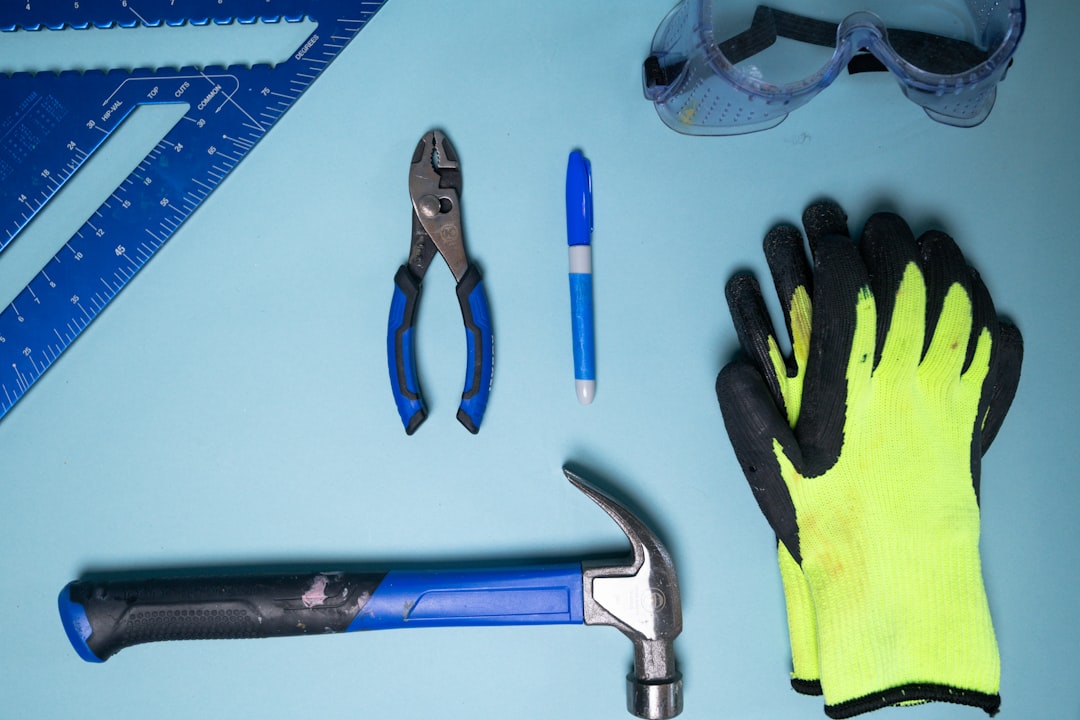
This procedure requires specialized tools such as heat guns, suction cups, precision screwdrivers, and plastic opening tools. Even experienced hobbyists may find the strong adhesive and fragile connectors challenging.
DIY Replacement Costs
One of the main motivations for choosing DIY repair is cost savings. Estimated expenses typically include:
- Replacement screen assembly: $150–$300 (depending on quality and screen size)
- Tool kit (if not already owned): $20–$50
- Adhesive strips or bonding materials: $10–$20
Total estimated DIY cost: $180–$370
The price varies depending on whether the model is the 13.5-inch or 15-inch version. High-quality OEM-equivalent screens tend to cost more but offer better color accuracy and longevity.
Risks of DIY Repair
While the potential savings can be appealing, DIY repair carries considerable risks:
- Cracking the new display during installation
- Damaging internal components
- Voiding any remaining warranty
- Touchscreen calibration issues
- Inadequate resealing leading to dust intrusion
Additionally, improper heating can warp the frame or damage internal circuitry. Because the Surface Laptop 3 opens from the display side rather than the keyboard deck, there is little margin for error.
Professional Screen Replacement
What Professional Repair Includes
Professional repair services typically begin with diagnostics to assess the extent of damage. Certified technicians use manufacturer-approved tools and replacement parts to complete the repair. Many reputable service centers also provide workmanship guarantees.
Professional service generally includes:
- Diagnostic inspection
- OEM or high-quality replacement display
- Proper adhesive resealing
- Testing of touchscreen functionality
- Limited repair warranty
Professional Replacement Costs
Professional repair costs for a Surface Laptop 3 screen typically range from:
- Third-party repair shop: $350–$550
- Microsoft out-of-warranty service: $400–$600+
Costs vary based on region, service provider reputation, and screen size. While this is significantly more expensive than DIY repair, it offers peace of mind and often includes a warranty on parts and labor.
Advantages of Professional Repair
Professional repair reduces many of the risks associated with DIY attempts. The advantages include:
- Higher success rate
- Preserved device integrity
- Warranty protection
- Faster turnaround time
- Reduced risk of secondary damage
For users who rely heavily on their laptop for business or academic work, minimizing downtime is often worth the additional cost.
DIY vs Professional: Cost Comparison
When comparing both options, it becomes clear that the decision goes beyond just price.
- DIY Average Cost: $180–$370
- Professional Average Cost: $350–$600+
At first glance, DIY can save approximately $150–$250. However, if mistakes occur, additional replacement parts may eliminate those savings entirely. A failed attempt could even render the laptop unusable, increasing overall repair costs.
Professional services, though more expensive, reduce the likelihood of unexpected expenses and offer predictable results.
When DIY Makes Sense
DIY repair may be suitable when:
- The device is no longer under warranty
- The owner has prior electronics repair experience
- Budget constraints make professional repair unaffordable
- The device’s resale value does not justify higher repair costs
Technically skilled users with patience and proper tools may successfully replace the screen and restore full functionality.
When Professional Repair Is the Better Choice
Professional repair is often recommended when:
- The laptop is still under warranty or covered by protection plans
- The crack extends deeply into the LCD layer
- Touch and display functionality are both compromised
- The user lacks technical confidence
- The laptop is mission-critical for work or school
Given the Surface Laptop 3’s intricate construction, many experts recommend professional repair unless the user has solid technical expertise.
Is Replacement Worth It?
Before investing in repair, owners should evaluate the device’s age and performance. If the laptop is more than five years old and experiencing additional hardware issues, investing $500 in repairs may not be practical. In such cases, upgrading to a newer model might be more cost-effective in the long term.
However, if the Surface Laptop 3 is functioning perfectly aside from the cracked screen, replacing the display can extend its lifespan by several years.
FAQ
1. Can someone replace just the glass on a Surface Laptop 3?
No. The glass and LCD are fused together, meaning the entire display assembly must be replaced.
2. How long does a professional screen repair take?
Most third-party repair shops complete the job within 1–3 business days, depending on part availability.
3. Will DIY screen replacement void the warranty?
Yes. Opening the device and attempting repairs typically voids any remaining manufacturer warranty.
4. Are aftermarket screens as good as original ones?
Quality varies. High-quality OEM-equivalent screens may perform similarly to original parts, but cheaper options may have reduced brightness or color accuracy.
5. Is it safe to continue using a cracked Surface Laptop 3?
Minor cracks may not immediately affect functionality, but they can worsen over time and pose a risk to internal components and user safety.
6. Does Microsoft repair cracked screens?
Yes, but typically through out-of-warranty replacement programs, which can be relatively expensive.
Choosing between DIY and professional Surface Laptop 3 screen repair ultimately depends on balancing cost savings against risk tolerance. While DIY can be rewarding for skilled individuals, professional repair offers reliability and peace of mind. Evaluating technical ability, budget, and device condition will help determine the best path forward.
