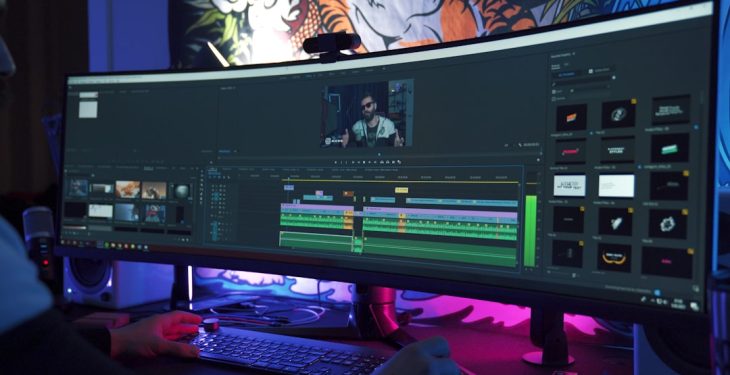
Whether you’re an aspiring YouTuber, a freelance video creator, or a digital marketing beginner, picking the right video editing software can be a daunting task. The ideal editor for beginners combines a user-friendly interface with a generous free plan while offering professional-level features that become accessible through scalable, paid upgrades. With dozens of options on the market, it’s crucial to find software that will serve your beginner needs and grow with you as your production level increases.
TL;DR — Too Long, Didn’t Read
Choosing the right video editor is vital for beginners who plan to scale. The top five editors listed below all offer robust free plans and optional paid upgrades, providing flexibility and longevity. They’re easy to learn but powerful enough for serious production. Whether you need AI tools, collaboration features, or complex effects, there’s something for every creator here.
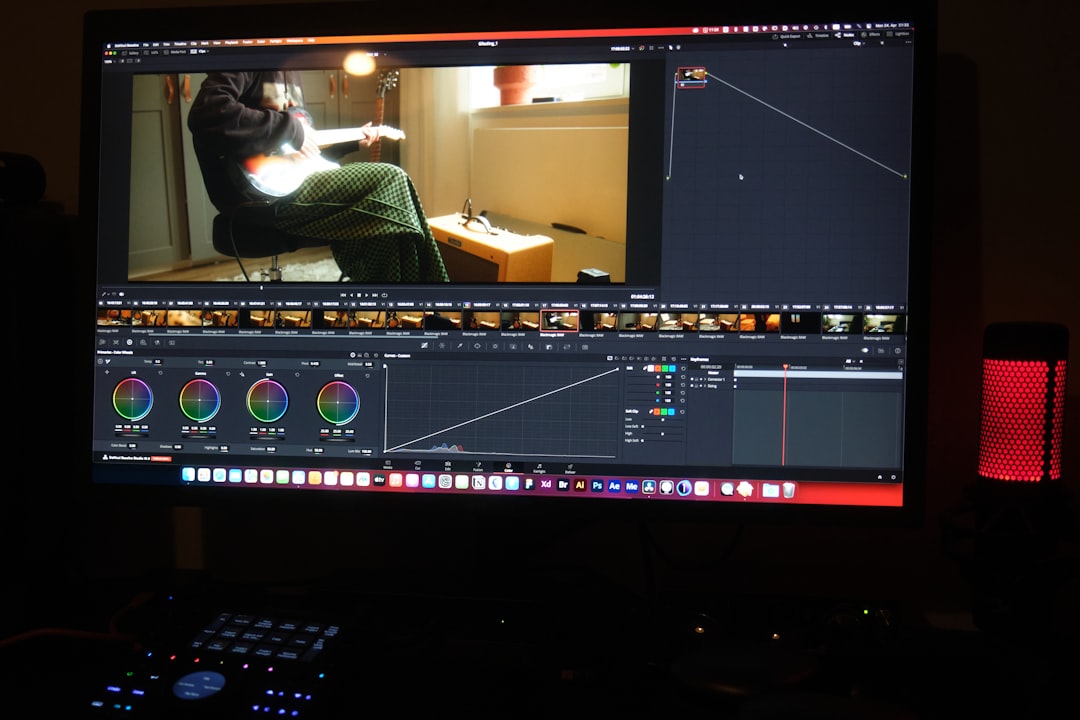
1. DaVinci Resolve
Best for: Editing enthusiasts who want professional-grade tools for free.
DaVinci Resolve by Blackmagic Design is a powerhouse in the world of video editing. Often praised as Hollywood-grade software, it has a remarkably rich free version that offers features many paid programs don’t.
- Free Plan Highlights: Multi-track timeline, color correction suite, basic audio mixing, and up to 4K export.
- Paid Upgrade: DaVinci Resolve Studio (one-time purchase) unlocks advanced noise reduction, HDR grading tools, and AI-powered features such as facial recognition and smart reframing.
- Ease of Use: Steeper learning curve than others on this list, but very rewarding for users committed to mastering a full editing suite.
Resolve is perfect for creators who love technical editing and plan to produce high-quality content long term.
2. HitFilm by Artlist
Best for: Indie creators and YouTubers looking for stylish effects and transitions.
Formerly known as HitFilm Express, HitFilm’s newly rebranded version offers a freemium model supported by the creative platform Artlist. It’s known for its aesthetic effects, slick UI, and beginner-friendly learning curve.
- Free Plan Highlights: Access to core editing features, animation tools, and limited VFX and audio filters.
- Paid Upgrade: Monthly/annual plans unlock premium effects, 3D imports, cinematic color grading tools, and background audio processing.
- Ease of Use: Quick to pick up, especially for people involved in online video content creation.
It’s ideal for small creators with a flair for visual storytelling who plan to scale over time with more elaborate productions.
3. CapCut Desktop
Best for: Social media creators and content marketers.
Originally released as a mobile app by ByteDance (the company behind TikTok), CapCut Desktop is gaining momentum with its simple interface and AI-driven features tailored to short-form content workflows.
- Free Plan Highlights: Basic timeline editing, AI captioning, sound syncing, and video upscaling—all completely free.
- Paid Feature Tiers: Currently, most of its capacities are still free, but ByteDance plans to roll out paid features including cloud storage upgrades, royalty-free music libraries, and more advanced AI enhancements.
- Ease of Use: Extremely beginner-friendly with drag-and-drop elements, visual presets, and rapid rendering speed.
CapCut Desktop is perfect for digital marketers, TikTokers, and Instagram Reels lovers who want to polish their workflow without spending money upfront.

4. Clipchamp by Microsoft
Best for: Windows users looking for fast, casual workflow with cloud backup.
Microsoft recently acquired Clipchamp and bundled it directly into Windows 11. This browser-based editor now also offers a desktop version and syncs well with Microsoft accounts.
- Free Plan Highlights: Basic templates, transitions, graphics, automatic subtitles, and cloud storage for quick team access.
- Paid Upgrade: Premium plans offer stock asset libraries, advanced motion design templates, and watermark removal.
- Ease of Use: Incredibly intuitive and lightweight—ideal for vloggers, educators, and internal marketing teams.
Clipchamp is great for anyone in the Microsoft ecosystem who needs easy access to editing tools without advanced technical knowledge.
5. Canva Video Editor
Best for: Visual-first creators and entrepreneurs integrating video into branded content.
Canva started as a graphic design platform and has since evolved into a multidimensional creative tool, with its recent focus on video editing adding another strong leg to its service range.
- Free Plan Highlights: Drag-and-drop video assembly, thousands of templates, background music, AI-driven captions.
- Paid Upgrade: Canva Pro allows access to premium templates, brand toolkit, custom fonts, and a full content scheduler for cross-platform publishing.
- Ease of Use: Extremely approachable—no prior editing knowledge needed.
This is ideal for content creators focused more on branding and social media campaigns rather than cinematic storytelling.
Final Thoughts
Choosing your first video editor can feel like a major commitment, especially when planning to scale up later. The good news is that you don’t have to compromise between beginner-friendliness and production depth. These top five editors all provide a solid entry platform and a reliable path for growth—whether through advanced features, better rendering, access to premium assets, or scalable editing workflows.
Evaluate your long-term goals and content type; whether you’re creating documentaries, marketing reels, tutorials, or cinematic shorts, there’s a tool on this list aligned with your creative future.
Frequently Asked Questions (FAQ)
-
Q: Are these editors truly free, or do they require payment after a trial?
A: All editors listed provide genuinely free tiers, not just time-limited trials. You can use them indefinitely without upgrading, but premium features will require payment. -
Q: Which of these editors is best for absolute beginners?
A: Canva and CapCut Desktop are the most beginner-friendly with their simple interfaces and guided templates. -
Q: Can I use these editors for professional projects later on?
A: Yes. DaVinci Resolve and HitFilm offer powerful export and technical features suitable for commercial and professional work. -
Q: Is internet connection required to use these editors?
A: Clipchamp (browser-based) and CapCut may require internet for specific features, but DaVinci Resolve and HitFilm work fully offline once downloaded. -
Q: Are these editors good for collaborative teams?
A: Clipchamp and Canva offer team accounts and shared libraries, making them better suited for collaborative environments.
