
Discord has become one of the most popular communication platforms for gamers, communities, educators, and businesses alike. As its user base grows, so does the importance of maintaining a safe and age-appropriate environment. Age verification on Discord plays a critical role in protecting minors, restricting access to sensitive content, and ensuring compliance with platform policies. Understanding how to start the Discord age verification process—and what requirements are involved—can help users and server administrators stay compliant and avoid account issues.
TL;DR: Discord age verification is required to access age-restricted content and certain server channels. Users must provide accurate birthdate information and, in some cases, a valid government-issued ID for manual verification. The process can be initiated through account settings or via prompts when accessing restricted content. Ensuring accurate information and following Discord’s community guidelines helps prevent account suspension or permanent bans.
Why Age Verification on Discord Matters
Age verification is not just a formality. Discord enforces strict age requirements to comply with international regulations such as COPPA (Children’s Online Privacy Protection Act) and other regional digital safety laws.
Key reasons age verification is important include:
- Protecting minors from adult or explicit content
- Ensuring compliance with local and international laws
- Maintaining safe community environments
- Reducing the risk of scams and exploitation
Discord’s minimum age requirement is generally 13 years old, but this may vary depending on the country. Some features and servers marked as NSFW (Not Safe For Work) require users to be at least 18 years old.
Basic Requirements for Discord Age Verification
Before starting the process, users should understand what may be required. Requirements differ depending on the situation.
Standard Requirements:
- A valid Discord account
- Accurate date of birth entered in account settings
- Access to the registered email address
Additional Requirements (If Flagged or Appealing):
- Government-issued photo ID (passport, driver’s license, or national ID card)
- A clear selfie for identity confirmation (if requested)
- Submission through Discord’s Trust & Safety portal
Discord may request documentation if a user attempts to access age-restricted content, joins an 18+ server, or if their account is reported for being underage.
Step-by-Step: How to Start Discord Age Verification
Step 1: Log Into Your Discord Account
The process begins by logging into the Discord app or website. Users should ensure they are using their primary account and that their email is verified.

If the email address has not been verified, Discord may limit certain features until verification is complete.
Step 2: Check and Update Your Date of Birth
Users can confirm their age by reviewing their account details. In most cases, the date of birth cannot be directly changed in settings once entered. If it was entered incorrectly, users must contact Discord Support.
To check account information:
- Open User Settings (gear icon).
- Navigate to My Account.
- Review your account details.
If your account has been locked due to age concerns, you will likely see a message indicating the issue.
Step 3: Access an Age-Restricted Server or Channel
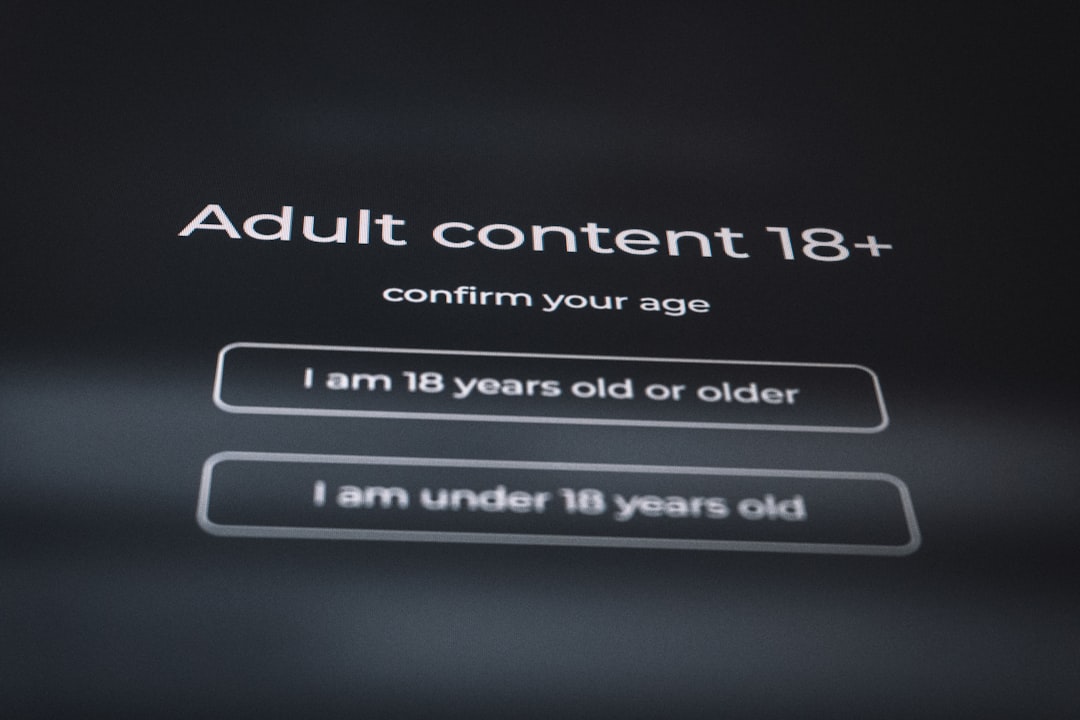
In many cases, the age verification prompt appears when attempting to enter an NSFW-marked channel or server.
- Click on the NSFW channel.
- Confirm that you are over 18 if prompted.
- Follow any additional verification steps shown.
If Discord requires stronger verification, it may redirect users to a form submission process.
Step 4: Submit a Request Through Discord Trust & Safety
If an account is disabled for being underage—or suspected to be—users must appeal.

To submit an appeal:
- Visit Discord’s Trust & Safety support page.
- Select the category related to age update or underage account.
- Provide required identification documents.
- Submit the form and wait for review.
Users should ensure that all images are:
- Clear and not blurry
- Unedited
- Showing full name and date of birth
Processing times can vary from a few days to a couple of weeks, depending on request volume.
Step 5: Wait for Confirmation
After submission, Discord will send a confirmation email once the review is complete. If approved, account access will be restored or expanded. If denied, additional information may be requested.
Common Scenarios That Trigger Age Verification
Users may be asked to verify their age under several conditions:
- Joining or creating an 18+ server
- Accessing NSFW channels
- Being reported as underage
- Entering a birthdate that indicates under 13 years old
In some regions, stricter digital protection laws automatically trigger age checks.
What Happens If You Fail Age Verification?
If a user fails to meet the minimum age requirement:
- The account may be permanently deleted.
- Access to servers and chat history may be lost.
- Re-registration with the same email may be blocked.
If documents cannot verify the required age, the decision is typically final. Attempting to bypass the system with fake ID is a violation of Discord’s Terms of Service and may result in permanent bans.
Tips for a Smooth Verification Process
To avoid delays or rejection, users should follow these best practices:
- Ensure birthdate is accurate from the start.
- Use a government-issued ID, not school or library cards.
- Double-check image clarity before submission.
- Respond quickly to follow-up emails from Discord.
Maintaining transparency and accuracy is critical during the review process.
Differences Between Self-Verification and Manual Verification
| Feature | Self-Verification | Manual Verification |
|---|---|---|
| Triggered By | Accessing NSFW content | Account flagged or reported |
| ID Required | No | Yes |
| Processing Time | Instant | Several days to weeks |
| Risk of Account Loss | Low | High if underage |
This comparison helps clarify which situation applies and what users can expect.
Privacy and Security Considerations
Many users are concerned about submitting identification online. Discord states that data submitted through official support channels is used solely for verification purposes and handled in accordance with its privacy policy.
Important considerations include:
- Only submit documents through official Discord forms.
- Do not send ID via direct messages.
- Avoid third-party “verification services.”
Scammers sometimes pretend to offer verification assistance. Discord will never request sensitive information through unofficial channels.
How Server Owners Can Manage Age Restrictions
Server administrators also play a role in age gating content.
Server owners can:
- Mark specific channels as NSFW.
- Restrict server access to users with certain roles.
- Clearly state age requirements in server rules.
However, server-level controls do not override Discord’s global age policies. The platform retains final authority over account eligibility.
Conclusion
Starting the Discord age verification process is typically straightforward when users meet the platform’s requirements. Whether confirming access to age-restricted content or appealing a disabled account, the key steps involve logging in, reviewing account information, and submitting documentation if requested. Understanding both the requirements and potential consequences helps users navigate the system responsibly. By providing accurate details and complying with Trust & Safety guidelines, users can ensure uninterrupted access while contributing to a safer online community.
Frequently Asked Questions (FAQ)
1. What is the minimum age requirement for Discord?
Discord generally requires users to be at least 13 years old. Some countries may have higher age requirements depending on local laws.
2. Can a user change their birthdate on Discord?
Birthdates typically cannot be directly edited once entered. Users must contact Discord Support to request corrections.
3. Is ID always required for verification?
No. ID is only required if the account is flagged, disabled, or undergoing manual age verification through Trust & Safety.
4. How long does age verification take?
Self-verification is instant. Manual verification can take anywhere from a few days to several weeks.
5. What types of ID are accepted?
Government-issued IDs such as passports, driver’s licenses, and national identification cards are generally accepted.
6. What happens if someone lies about their age?
If discovered, the account may be permanently suspended or deleted for violating Discord’s Terms of Service.
7. Can parents help minors verify their age?
If a user does not meet the minimum age requirement, parental consent does not typically override platform policy. The user must meet the age requirement set by Discord and local law.
